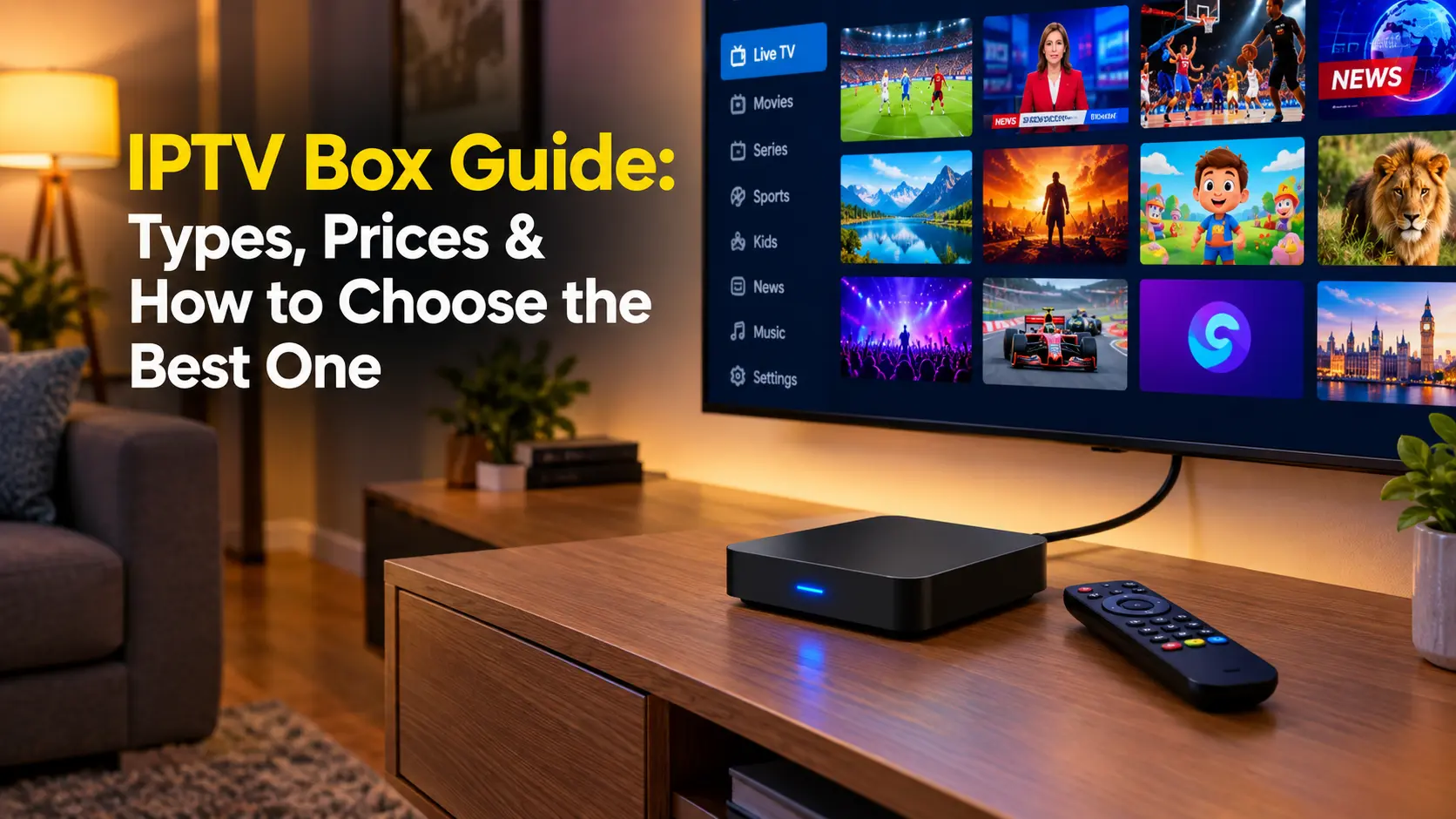

An IPTV box is the small device that sits between your internet connection and your TV and turns an IPTV subscription into live channels, movies and series on the big screen. Walk into any electronics shop or browse online, though, and “IPTV box” can mean anything from a branded Google TV streamer to an unbranded Android box sold as “fully loaded”. This guide explains what an IPTV box is, the main types (MAG set-top boxes, Android TV boxes and streaming sticks), what to look for, typical IPTV box prices, and which boxes to avoid for your own safety.
Key takeaways (TL;DR)
- An IPTV box is a set-top box or streaming device that plays IPTV streams on a TV. It doesn’t include channels by itself.
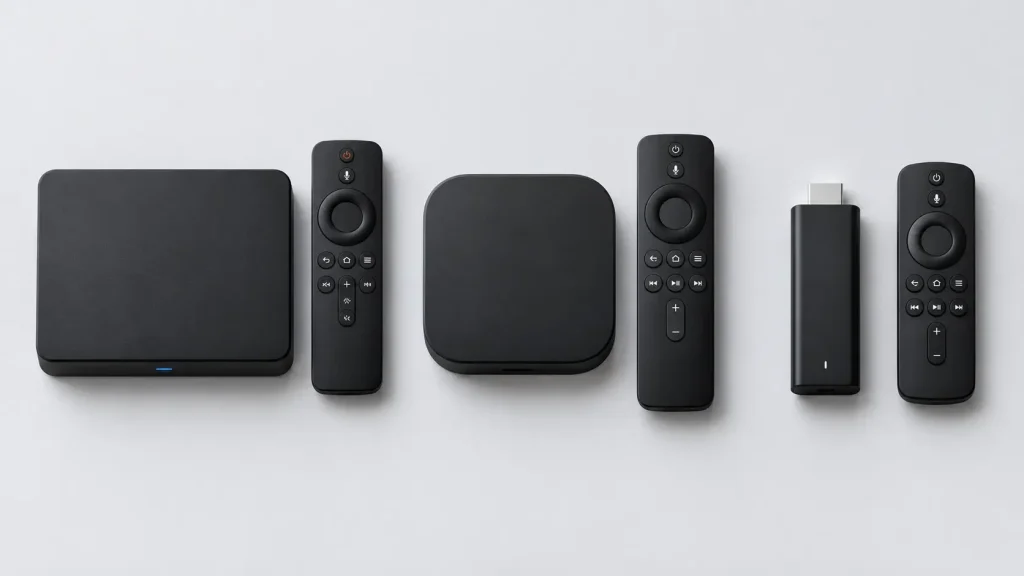
- The main types are dedicated IPTV set-top boxes (such as Infomir’s MAG line), Android TV/Google TV boxes, and streaming sticks such as Fire TV.
- For most people, a certified Android TV or Google TV device with an IPTV player app is the most flexible choice.
- Avoid uncertified “fully loaded” boxes: the FBI has warned that such devices can carry pre-installed malware.
What Is an IPTV Box?
An IPTV box, sometimes called an IPTV set-top box, IP TV box or STB, is a device that receives television delivered over an internet protocol network and decodes it for your TV. It connects to your router by Ethernet or Wi-Fi and to your TV by HDMI. You then use its interface or an IPTV app to browse channels and on-demand content from your provider.
Think of it as the modern replacement for a cable box: instead of a coaxial cable, the signal arrives over your broadband connection. If you’re new to the technology behind it, read our explainer on what IPTV is and how it works.
What an IPTV box does (and doesn’t do)
- It does: decode video streams (usually H.264 or HEVC), display a TV guide, run IPTV apps, and output HD or 4K video to your TV.
- It doesn’t: supply channels. You still need a subscription or playlist from an IPTV provider. A box that claims to include thousands of “free” premium channels is a red flag, not a feature (more on that below).
Types of IPTV Boxes
1. Dedicated IPTV set-top boxes (MAG boxes)
Dedicated IPTV set-top boxes are built specifically for IPTV operators and portal-based services. The best-known are Infomir’s MAG boxes, often searched as “box IPTV MAG”. Infomir’s current line-up includes Linux-based MAG540 and MAG544 models with 4K and HEVC support, and the Google TV-based MAG555. Infomir makes clear that it doesn’t provide content: its boxes are designed for operators’ middleware.
- Best for: portal-based (Stalker/Ministra-style) IPTV subscriptions, hotels and operator deployments.
- Pros: simple, TV-like interface, stable, fast channel zapping.
- Cons: Linux models can’t install general apps such as Netflix or third-party IPTV players.
If you want to try a MAG-style portal without buying hardware, see our guide to setting up an STB emulator on a Windows PC.
2. Android TV and Google TV boxes
An Android TV IPTV box runs Google’s TV operating system, so you can install IPTV player apps from Google Play alongside Netflix, YouTube and other streaming apps. Examples include Google’s own TV Streamer and the NVIDIA SHIELD TV. This flexibility makes them the most popular IPTV streaming boxes for home use.
- Best for: M3U and Xtream Codes subscriptions, and households that also use mainstream streaming apps.
- Pros: huge app choice, regular updates on certified devices, works with players like TiviMate.
- Cons: premium models cost more, and cheap uncertified boxes carry security risks.
Setting one up is straightforward. Follow our guide to setting up IPTV on an Android TV box. To see how they compare with dedicated set-top boxes, jump to our IPTV box vs. Android TV box comparison below.
3. Streaming sticks (Fire TV and similar)
Streaming sticks plug straight into your TV’s HDMI port and are the cheapest way to add IPTV to any television. Amazon’s Fire TV Stick is the most common choice for IPTV users, thanks to its low price and support for popular players. Note that some newer Fire TV models run Amazon’s Vega OS rather than Android-based Fire OS and can’t install Android IPTV apps, so check the model before you buy. Our round-up of IPTV players for Firestick covers the apps that work.
4. Smart TVs as an alternative
Many smart TVs can run IPTV apps directly, which can mean you don’t need a box at all. However, TV app stores (such as Samsung’s Tizen or LG’s webOS) usually offer fewer IPTV players, and TV processors are often slower than a dedicated box. Many people still add a box for a smoother experience.
IPTV Box vs. Android TV Box: What’s the Difference?
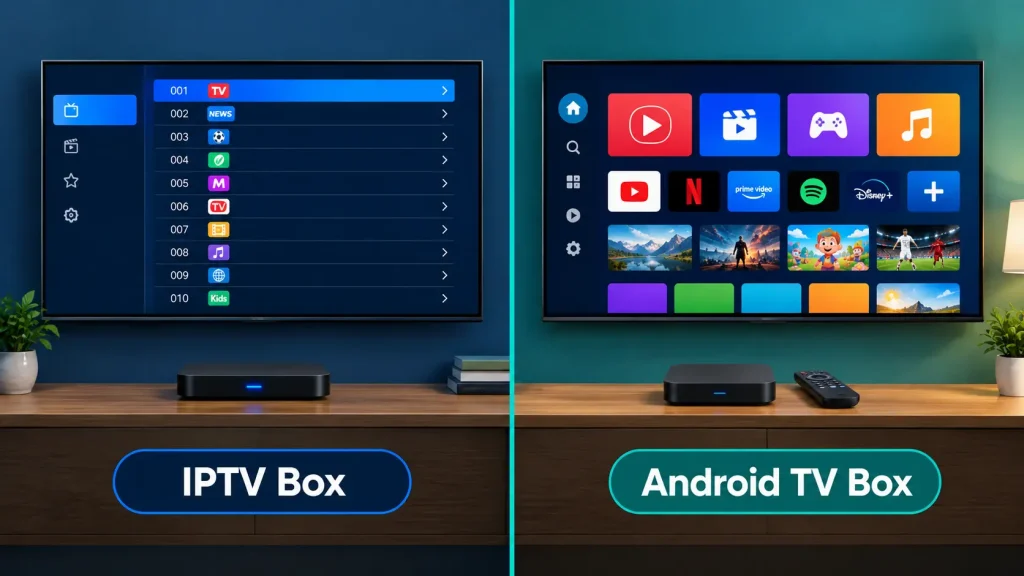
“IPTV box” and “Android TV box” are often used as if they mean the same thing, but they’re built for different jobs. Understanding the difference helps you avoid buying a box that can’t run your service, or paying for flexibility you’ll never use.
What is a dedicated IPTV box?
A dedicated IPTV box is a set-top box designed mainly to play an IPTV operator’s service. Classic examples are Infomir’s Linux-based MAG boxes. They run a lightweight operating system, connect to your provider through a portal address, and present channels in a simple, cable-style menu. Because they do one job, they tend to be quick to set up and very stable, but they offer little beyond that one service.
What is an Android TV box?
An Android TV box is a general-purpose streaming device running Android TV or Google TV. IPTV is just one of the things it can do: you install an IPTV player app, add your subscription details, and use the same box for Netflix, YouTube, Prime Video, games and more. Certified models receive system updates and Google Play Protect security checks. Uncertified, unbranded Android boxes are where most of the security risks lie.
Key differences at a glance
| Feature | Dedicated IPTV box (e.g. Linux MAG) | Android TV / Google TV box |
|---|---|---|
| Operating system | Lightweight Linux built for IPTV | Android TV or Google TV |
| How IPTV is loaded | Portal URL from your provider | IPTV player app with an M3U, Xtream Codes or portal login |
| Other streaming apps | Very limited or none | Netflix, YouTube, Prime Video and thousands more |
| Interface | Simple, cable-box style | Depends on the IPTV app you choose |
| Customisation | Minimal | High: choice of players, guides, skins and settings |
| Recording and extras | Depends on the operator’s portal | Available in apps like TiviMate (Premium) |
| Setup | Enter a portal address and you’re done | Install and configure an app |
| Updates and security | Firmware from the manufacturer or operator | System updates and Play Protect on certified devices |
| Best for | Portal-based services, hotels, users who want plug-and-play | Home users who want flexibility and mainstream apps |
Dedicated IPTV box: pros and cons
- Pro: very simple for anyone to use, including less tech-savvy family members.
- Pro: fast channel switching and a stable, purpose-built system.
- Pro: ideal for operators and hotels that need identical boxes in many rooms.
- Con: tied to portal-based services and usually can’t install other apps.
- Con: if you change to an M3U- or Xtream-based provider, the box may no longer suit you.
Android TV box: pros and cons
- Pro: works with almost any IPTV subscription format through different player apps.
- Pro: one device for IPTV and every mainstream streaming service.
- Pro: advanced features such as recording, multiview and catch-up through apps like TiviMate.
- Con: more settings to learn, and the experience depends on which app you pick.
- Con: cheap uncertified boxes can carry malware, so brand and certification matter.
Performance, reliability and cost
For everyday IPTV viewing, both types handle HD and 4K HEVC streams well when you buy a current model. Dedicated IPTV boxes often feel snappier on modest hardware because their software is so lightweight. Android TV boxes need more processing power and memory to stay smooth with large playlists, which is why premium models like the NVIDIA SHIELD TV Pro are popular with heavy IPTV users. On cost, a dedicated box is usually bought through your provider or a distributor, while Android TV boxes range from budget sticks to premium streamers, and you may also pay for a premium IPTV player app.
Which one should you choose?
- Choose a dedicated IPTV box if your provider uses a portal, you want the simplest cable-like experience, or you’re setting up TVs for less tech-savvy family members.
- Choose an Android TV or Google TV box if your subscription uses M3U or Xtream Codes, you want to switch between IPTV players, or you also watch Netflix, YouTube and other streaming apps.
- Want both? Hybrid devices such as Infomir’s Google TV-based MAG555 combine operator IPTV support with access to Google TV apps.
For most home viewers, an Android TV or Google TV box is the more future-proof choice, because it isn’t tied to a single service or portal. A dedicated IPTV box remains the easiest option when your provider supplies a portal and you simply want TV that works.
Best IPTV Box Options at a Glance
There’s no single best IPTV box for everyone. Here’s how the leading options compare, based on each manufacturer’s published specifications:
| Device | Type | Key specs | Best for |
|---|---|---|---|
| Google TV Streamer | Google TV box | 4K HDR, Dolby Vision, 32 GB storage, 4 GB RAM, built-in Ethernet | Most households wanting a modern, supported box |
| NVIDIA SHIELD TV Pro | Android TV box | Tegra X1+, 3 GB RAM, 16 GB, AI upscaling, Gigabit Ethernet | Power users, large playlists, recording |
| Infomir MAG540 / MAG544 | Linux IPTV set-top box | 4K, HEVC, optional dual-band Wi-Fi (w3 models) | Portal-based IPTV services |
| Infomir MAG555 | Google TV set-top box | 4K, HEVC, 16 GB, 2 GB RAM | Operator IPTV with Google TV apps |
| Fire TV Stick (Fire OS models) | Streaming stick | Compact HDMI stick, wide IPTV app support | Budget setups and second TVs |
The NVIDIA SHIELD TV Pro stands out for demanding IPTV use. NVIDIA lists a Tegra X1+ processor, 3 GB RAM, Gigabit Ethernet and AI-enhanced upscaling to 4K, which helps with big channel lists, multiview and recording in apps like TiviMate.
IPTV Box Prices: What Should You Pay?
IPTV box prices vary widely depending on the type and brand:
- Streaming sticks: the cheapest option, and frequently discounted during sales events.
- Mid-range Google TV boxes: Google lists its Google TV Streamer at $149.99 on the Google Store.
- Premium Android TV boxes: the NVIDIA SHIELD TV Pro sits at the top end of the consumer market.
- MAG set-top boxes: usually sold through IPTV operators and distributors, with prices set by the reseller.
Remember that the box is a one-off cost. The ongoing cost is your IPTV subscription, which is covered in the FAQ below.
How to Choose a Good IPTV Box
- Match the box to your service. Portal-based services suit MAG boxes. M3U or Xtream Codes subscriptions suit Android TV boxes and Fire TV devices.
- Check codec support. Look for HEVC (H.265) decoding, especially for 4K channels, because it saves bandwidth.
- Prefer Ethernet. A wired port gives steadier streams than Wi-Fi, particularly for live sports.
- Get enough RAM and storage. At least 2 GB of RAM helps large playlists load smoothly, and more storage helps if you record.
- Buy certified, recognisable brands. On Android devices, check that the box is Google Play Protect certified.
- Confirm your player app runs on it. Compare options in our guide to the best IPTV players.
A good IPTV box can only do so much on a weak network, so a stable broadband connection and a decent router matter just as much as the box itself.
How to Set Up an IPTV Box
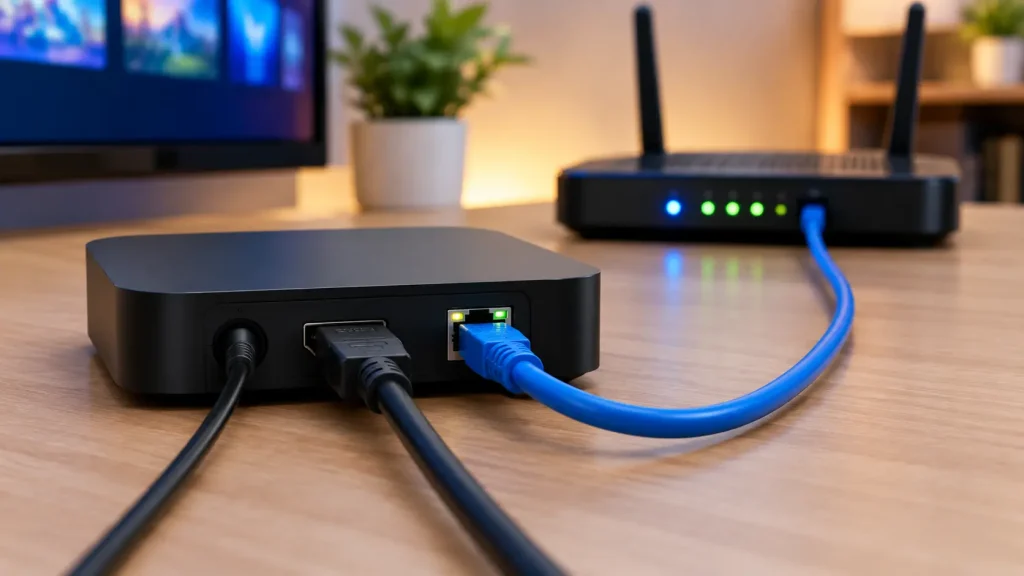
Whichever IPTV box you choose, the basic setup follows the same pattern:
- Connect it. Plug the box into your TV’s HDMI port and into power. Connect an Ethernet cable to your router if the box has a port, or join your Wi-Fi.
- Update the software. Install any system updates before adding apps. Updates often include security fixes and better codec support.
- Install your player or enter your portal. On Android TV and Fire TV, install your IPTV player app. On a MAG box, enter the portal URL your provider gives you.
- Add your subscription. Enter your M3U link, Xtream Codes login or portal details, and wait for the channel list and guide to load.
- Tidy up the interface. Hide channel groups you never watch, set up favourites and check the TV guide is loading correctly.
Most problems after setup, such as buffering, missing guide data or channels that won’t load, come from the network or the subscription rather than the box. Restarting the router and box, switching to a wired connection and confirming your subscription is active solve the majority of issues.
Do you need a box if you have a smart TV?
Not always. If your smart TV’s app store offers a reliable IPTV player and the TV feels responsive, you can start without a box. A separate IPTV box usually still wins on speed, app choice and long-term software updates, and you can move it to a new TV later.
Warning: Avoid “Fully Loaded” and Uncertified IPTV Boxes
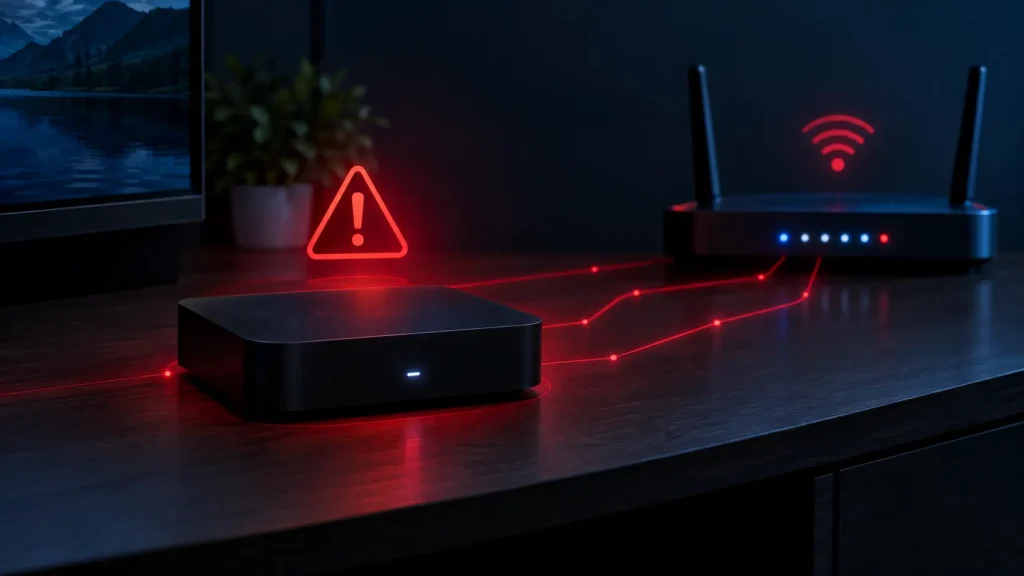
The riskiest IPTV boxes are cheap, unbranded Android devices sold as “unlocked” or “fully loaded” with free channels. In June 2025, the FBI warned that the BADBOX 2.0 botnet has infected millions of devices, including TV streaming boxes, often with malware installed before the customer even buys them. The FBI specifically flagged devices “advertised as unlocked or capable of accessing free content” and Android devices that are not Play Protect certified.
These boxes can quietly turn your home network into part of a criminal botnet. The pre-loaded pirated content they advertise is also illegal to distribute. Stick to reputable brands, and pair your box with legal IPTV services.
Frequently Asked Questions About IPTV Boxes
-
Is IPTV legal in the USA?
Yes. IPTV technology and IPTV boxes are legal in the USA, and licensed services such as YouTube TV, Sling TV and Fubo operate openly. What’s illegal is streaming or selling copyrighted channels without permission, which includes many “fully loaded” boxes. See our full guide: is IPTV legal?
-
How much does IPTV cost monthly?
Licensed live-TV streaming services in the US start at about $45.99 a month for Sling TV, with YouTube TV at $82.99 and Fubo from $88.99, according to Streaming Price Tracker. That’s on top of the one-off cost of your IPTV box. Compare options in our list of licensed IPTV providers.
-
What is the IPTV box?
An IPTV box is a set-top box or streaming device that connects to your internet and TV and plays television delivered over IP networks. It decodes live channels and on-demand video from your IPTV subscription and shows them on your TV, replacing a traditional cable or satellite box. Learn more about how IPTV works.
-
What is the best box for streaming IPTV?
For most people, a certified Android TV or Google TV device, such as the Google TV Streamer or the NVIDIA SHIELD TV Pro, is the best box for streaming IPTV, because it runs popular players like TiviMate. MAG boxes suit portal-based services, and a Fire TV Stick is the budget pick. See our IPTV box vs. Android TV box comparison above to decide.
Final Thoughts: Choosing the Right IPTV Box
The right IPTV box depends on your service and your budget. MAG set-top boxes excel with portal-based IPTV, Android TV and Google TV boxes offer the most flexibility, and streaming sticks are the cheapest way in. Whatever you choose, buy a certified device from a recognisable brand, connect it by Ethernet if you can, and pair it with a licensed provider. For more on staying safe and legal, read our guide to IPTV legality.