An IPTV stream is live TV or on-demand video delivered over the internet instead of through a cable line or satellite dish. Whether you want to stream IPTV on a smart TV, a Firestick or your phone, the process comes down to three things: a content source, a streaming app and a decent internet connection. This guide explains how IPTV streaming works, the best IPTV streaming apps, how to stream IPTV for free legally, what it costs per month, and how to fix buffering so your streams stay smooth.
Key takeaways (TL;DR)
- To stream IPTV you need a content source (a licensed service or free playlist), an IPTV streaming app, and stable broadband.
- Licensed services such as YouTube TV, DirecTV Stream, Sling TV and Philo have their own apps. Playlist-based services use players like TiviMate, IPTV Smarters Pro or VLC.
- Free live streams are available legally through Pluto TV, Tubi, Sling Freestream and public playlists such as iptv-org.
- For HD and 4K IPTV streaming, aim for a stable 5–15 Mbps per screen, ideally over Ethernet.
What Is an IPTV Stream?
IPTV stands for Internet Protocol Television. An IPTV stream is a TV channel or video sent to your device as data over an IP network. Your app requests a channel, and the stream starts playing within seconds. If you want the full background, read our guide to what IPTV is and how it works.
There are three main types of IPTV streaming:
- Live TV: channels streamed in real time, such as news, sport and entertainment.
- Video on demand (VOD): films and series you can start at any time.
- Catch-up TV: programmes that have already aired, available to replay for a set period.
How IPTV streaming works
- The provider encodes each channel into a compressed digital stream.
- The stream is delivered over the internet, often through servers close to you.
- Your IPTV streaming app requests the channel and plays it, usually switching quality automatically to match your connection. This is called adaptive bitrate streaming.
What You Need to Stream IPTV
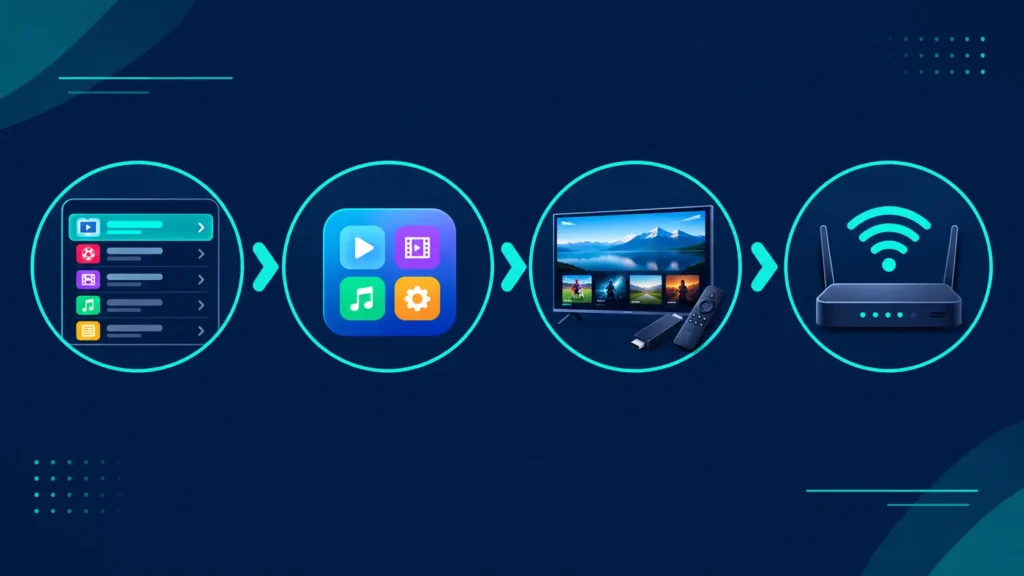
- A content source: a licensed IPTV or live TV service, or a free, legal playlist.
- An IPTV streaming app: either your provider’s own app or a player app that loads an M3U or Xtream Codes login.
- A compatible device: a smart TV, Fire TV Stick, Android TV box, Apple TV, phone, tablet or computer. A streaming stick or box is the easiest way to add IPTV to an older TV.
- Stable broadband: as a reference point, Netflix recommends 5 Mbps for Full HD and 15 Mbps for 4K, and live TV needs similar headroom for every screen streaming at once.
Best IPTV Streaming Apps
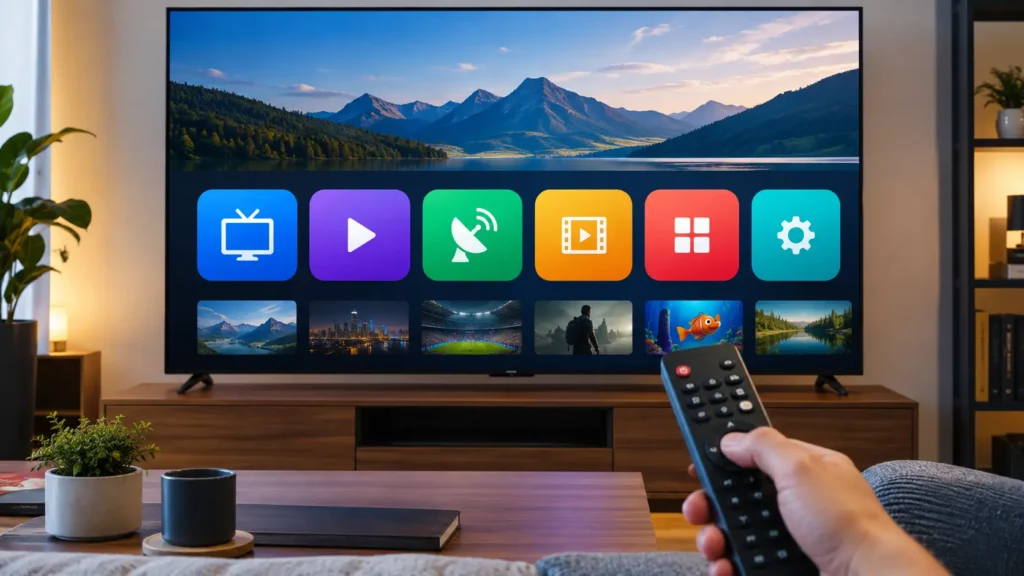
There are two kinds of IPTV streaming apps: official apps from licensed providers, and player apps that play a playlist you supply.
Official IPTV streaming apps from licensed services
Licensed services include their own app, so there’s nothing to configure. Just sign in and start streaming:
- YouTube TV: 100+ channels and unlimited DVR for $82.99 a month in the US.
- DirecTV Stream: live TV with local channels and regional sports networks, from $59.99 a month on promotional pricing, with a 5-day free trial on its official site.
- Sling TV: from $45.99 a month, or a $4.99 day pass.
- Philo: 70+ channels from $25 a month.
Outside the US, services like waipu.tv, Zattoo, Sky Stream and Movistar Plus+ work the same way. Compare them by country in our guide to the best IPTV service providers.
IPTV player apps for playlists
If your provider gives you an M3U link or Xtream Codes login, you’ll need a player app:
- TiviMate: the top choice for Android TV and Firestick, with a cable-style TV guide.
- IPTV Smarters Pro: a free, multi-platform player with Live TV, Movies and Series sections.
- VLC: free on almost every device, and ideal for testing a stream quickly.
- Cloud Stream IPTV Player (iPhone, iPad, Apple TV): an M3U player with EPG and AirPlay support. It’s free, with a $2.99 Pro upgrade that adds Chromecast and parental controls, according to its App Store listing. Note that the listing shows the last update in 2020.
For a full comparison by device, see our guide to the best IPTV player apps.
How to Stream IPTV: Step by Step
- Choose your source. Sign up for a licensed service, or pick a free legal option.
- Install the app. Download the provider’s app, or an IPTV player if you have a playlist, from your device’s official app store.
- Sign in or add your playlist. Enter your account details, or paste the M3U link or Xtream Codes login.
- Load the TV guide. Most apps load the EPG (electronic programme guide) automatically.
- Start streaming. Pick a channel, and add your favourites for quicker access.
Free Live Stream IPTV: How to Stream for Free (Legally)
You can watch free live streams without paying for a subscription:
- Pluto TV: “a completely free streaming service” with hundreds of live channels, and no credit card required.
- Tubi: free movies, shows and a live TV section.
- Sling Freestream: 600+ free live channels and free DVR.
- Free playlists on GitHub: projects like iptv-org collect publicly available channels into free M3U playlists. See our guide to IPTV GitHub playlists.
Be wary of apps and websites offering free live streams of premium sport or pay-TV channels. These are almost always unlicensed, and many carry malware or intrusive ads.
How Much Does IPTV Streaming Cost?
IPTV streaming costs anywhere from nothing to around $100 a month:
- Free: Pluto TV, Tubi, Sling Freestream and public playlists.
- Budget: Philo from $25 a month, or a Sling TV plan from $45.99 a month.
- Full cable replacement: YouTube TV at $82.99 a month, or DirecTV Stream from $59.99 a month on promotional pricing.
Many services offer trials, so you can test the stream on your own TV first. See our guide to IPTV free trials.
IPTV Streaming on Different Devices
IPTV streaming on a smart TV
Most smart TVs can stream IPTV directly through apps from licensed providers, which makes IPTV streaming TV as simple as opening an app. Samsung and LG TVs have fewer third-party IPTV players, so many people add a streaming stick for more choice.
Firestick and Android TV
Fire TV and Android TV devices support almost every IPTV streaming app, from official provider apps to playlist players like TiviMate. They’re the most flexible and affordable way to stream IPTV on any TV with an HDMI port.
Apple TV, iPhone and iPad
Licensed services all offer apps for Apple devices, and player apps such as IPTVX or Cloud Stream IPTV Player handle M3U playlists. AirPlay also lets you send a stream from your phone to the TV.
Phones, tablets and computers
Phones and tablets are great for streaming on the go, as long as your mobile data plan allows it. On Windows, Mac and Linux, VLC is the quickest way to play a stream link, while provider apps and browsers handle licensed services.
How to Fix IPTV Streaming Problems
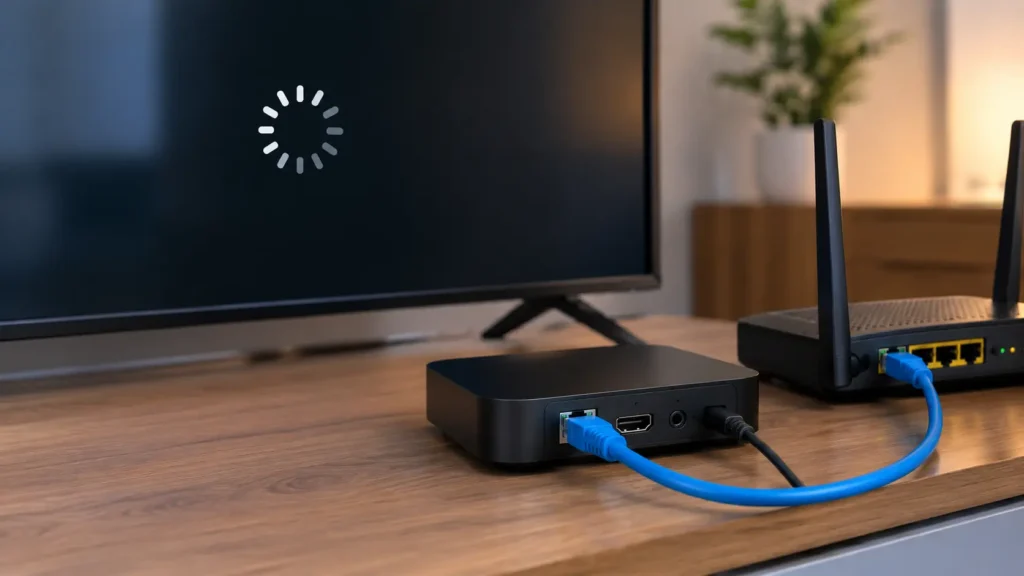
Most IPTV streamers run into the occasional hiccup. These fixes solve the most common problems:
- Buffering: use Ethernet instead of Wi-Fi, close other heavy downloads, and lower the stream quality if your connection is slow.
- Channel won’t load: the stream may be offline or geo-blocked. Try another channel, or reload the playlist.
- No TV guide: refresh the EPG in your app’s settings, or add an EPG URL if you use an M3U playlist.
- Audio out of sync or black screen: switch between hardware and software decoding in the player’s settings, or try another player such as VLC.
- App crashing: clear the app’s cache, update it, or reinstall it from the official store.
Is IPTV Streaming Legal?
IPTV streaming is legal when the service holds the rights to what it streams. Every major provider and app mentioned here is legal. What isn’t legal is streaming copyrighted channels from unlicensed sellers, and rights holders actively pursue them: in 2025, a US federal court awarded studios $15 million against an illegal IPTV operator. For more, read is IPTV legal? (This is general information, not legal advice.)
Frequently Asked Questions About IPTV Streaming
Is IPTV streaming legal?
Yes, when you use a licensed service or legal free streams. Services like YouTube TV, Sling TV, Philo and Pluto TV are fully legal. Streaming premium channels from unlicensed sellers that don’t hold the rights is illegal. Check our guide to IPTV legality for your country.
Can I watch IPTV for free?
Yes. Pluto TV, Tubi and Sling Freestream offer free, ad-supported live TV, and public GitHub playlists like iptv-org list free broadcaster streams. You won’t get premium sport or pay-TV channels for free legally, but there’s plenty of news, entertainment and local content.
Which IPTV is legal in the USA?
Licensed live TV streaming services such as YouTube TV, Hulu + Live TV, DirecTV Stream, Fubo, Sling TV and Philo are legal in the USA, as are free services like Pluto TV. Services selling thousands of premium channels for a few dollars a month are not. See our list of legal IPTV services.
How much is IPTV per month?
Licensed IPTV in the USA costs from about $25 a month (Philo) to around $80–100 a month for a full cable replacement such as YouTube TV ($82.99). Free options like Pluto TV cost nothing. Prices outside the US vary by country and provider.
Final Thoughts: Start Your IPTV Stream the Right Way
A great IPTV stream comes from three things working together: a legitimate content source, a good IPTV streaming app, and a stable internet connection. Start with a free service or a free trial, choose an app that suits your device, and connect by Ethernet if you can. For the next step, compare players in our IPTV player guide or providers in our IPTV service guide, and revisit how IPTV works if you’re just getting started.