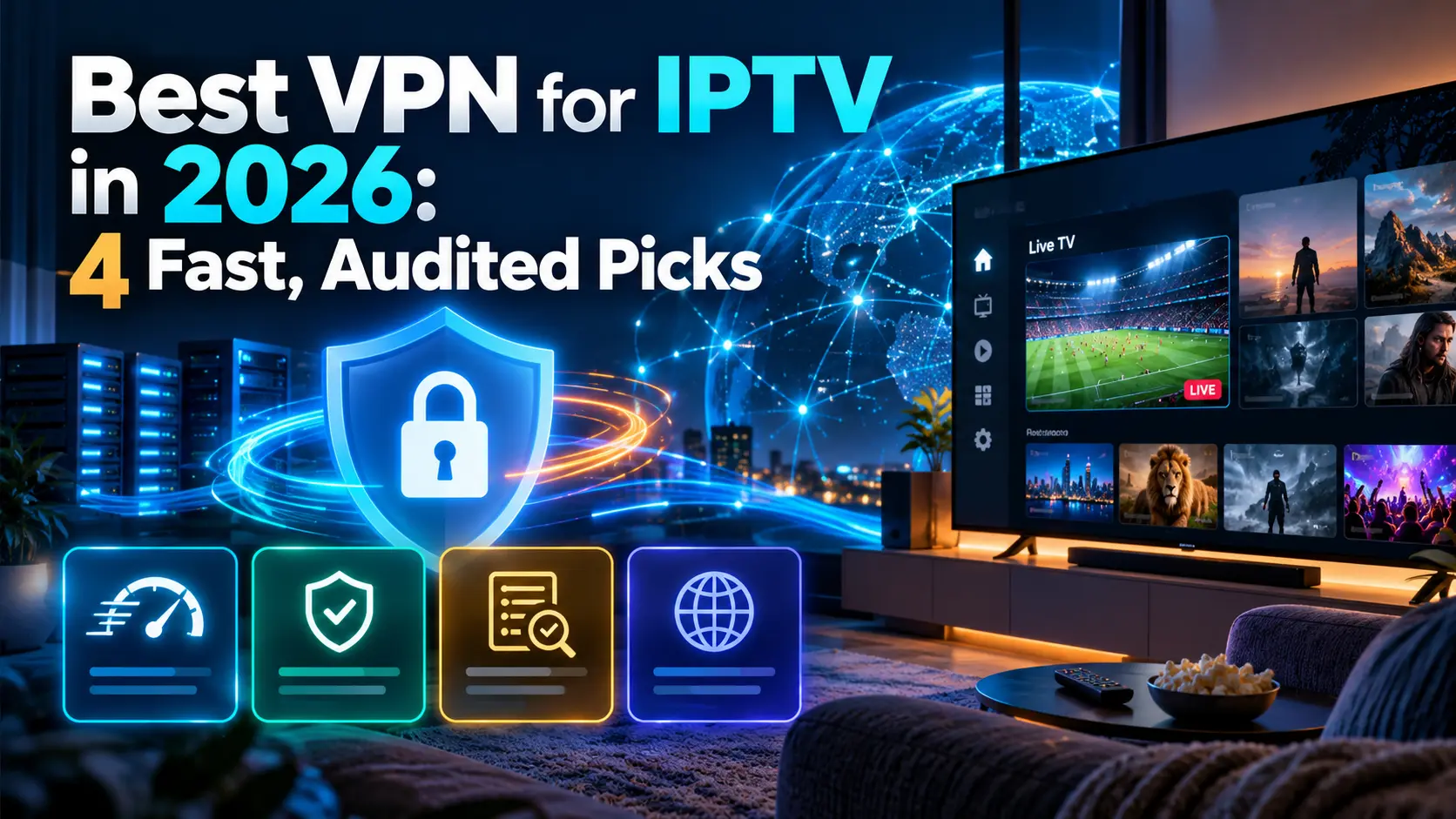

Looking for the best VPN for IPTV? A VPN (virtual private network) encrypts your internet traffic, which keeps your viewing private from your internet provider, protects you on public Wi-Fi and can stop ISP throttling that causes buffering. It won’t make an unlicensed IPTV service legal, and it can slow your connection if you pick the wrong one. This guide compares four independently audited VPNs for IPTV streaming by price, speed features and device support, explains the best VPN settings for IPTV, and answers whether you really need a VPN for IPTV on Firestick.
Key takeaways (TL;DR)
- The best VPNs for IPTV are fast, audited no-logs services with Fire TV and Android TV apps: NordVPN, ExpressVPN, Surfshark and Proton VPN.
- A VPN can reduce buffering when your ISP throttles video, but it can’t fix a slow connection or an overloaded IPTV server.
- For the best results, use the WireGuard-based protocol (NordLynx, Lightway or WireGuard), connect to a nearby server, and use split tunnelling if your IPTV service blocks VPNs.
- A VPN protects your privacy; it doesn’t make unlicensed IPTV legal. Use licensed services wherever possible.
Do I Need a VPN for IPTV?
IPTV delivers live TV over your internet connection; if you’re new to it, start with our guide to what IPTV is and how it works. You don’t need a VPN to watch a licensed IPTV service, but a VPN for IPTV is useful in three situations:
- Privacy: your internet provider can see which services you connect to. A VPN encrypts that traffic.
- Throttling: some providers slow video traffic. In a 2018 study using the Wehe app, researchers at Northeastern University and UMass Amherst detected video throttling more than 11,100 times on Verizon and 8,398 times on AT&T, Benton Institute reported. Encryption hides the type of traffic, so throttling based on it stops.
- Public and shared Wi-Fi: on hotel, campus or café networks, a VPN protects your logins and stops the network blocking streams.
A VPN does not change whether a service is legal. Watching an unlicensed IPTV service through a VPN is still copyright infringement. Read is IPTV legal? for the rules in your country.
How We Chose the Best VPN for IPTV Streaming
We only included VPNs with published, independent no-logs audits. For each one, we checked the official pricing page in October 2026 for:
- Speed features: a fast WireGuard-based protocol, which matters for HD and 4K live streams.
- Device support: apps for Fire TV, Android TV and routers, where most IPTV is watched.
- Privacy: a no-logs policy verified by an independent auditor.
- Price and refunds: long-term prices, renewal prices and a money-back guarantee.
Prices are in US dollars, exclude tax and change often, so check the official site before you buy.
Best VPN for IPTV in 2026
1. NordVPN: best overall VPN for IPTV
NordVPN combines fast speeds from its NordLynx protocol (built on WireGuard) with apps for Fire TV, Android TV and routers. In December 2025, Deloitte completed NordVPN’s sixth independent no-logs assessment, concluding that its systems match its no-logs statement.
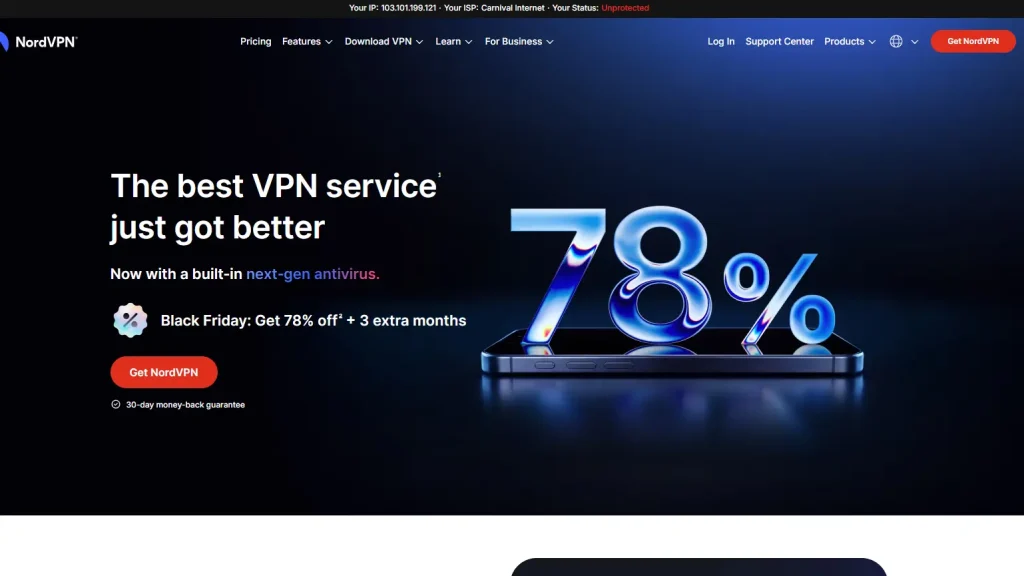
- Pricing: Basic costs $14.99 a month, or $3.49 a month on the 2-year plan ($94.23 for the first 27 months). The 1-year plan costs $4.99 a month.
- Standout features: NordLynx protocol, split tunnelling, a kill switch and up to 10 devices at once.
- Pros: repeatedly audited no-logs policy, fast protocol and a 30-day money-back guarantee.
- Cons: renewal prices are much higher ($139.08 a year for Basic), and the monthly plan is expensive.
2. ExpressVPN: best for easy setup on Fire TV and routers
ExpressVPN is known for simple apps and its Lightway protocol. Its pricing page lists servers in 113 countries, and KPMG examined its TrustedServer system and no-logs claims as of 28 February 2025, providing “reasonable assurance” that the systems function as designed.
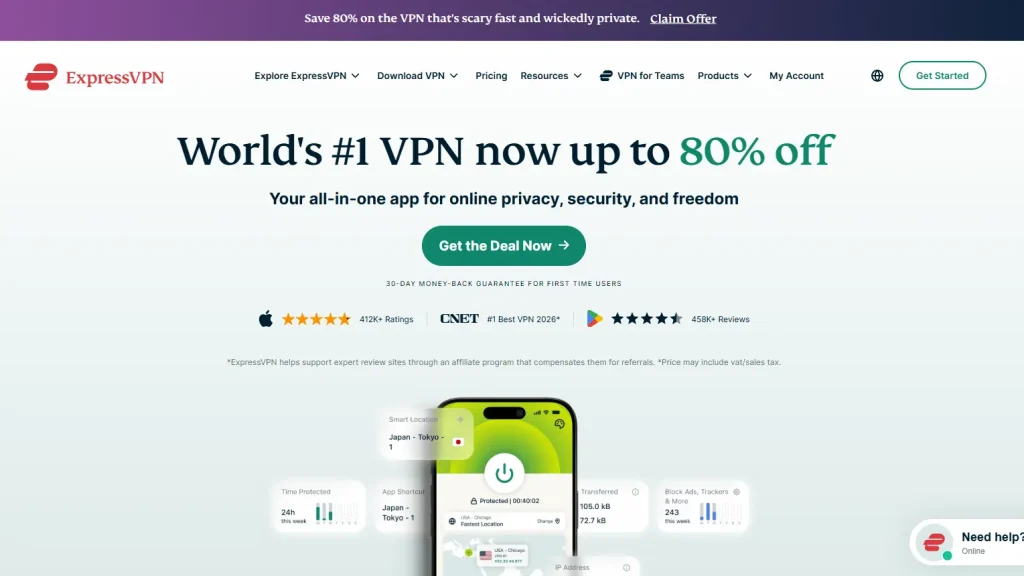
- Pricing: Basic costs $2.99 a month on the 2-year plan ($83.72 for the first 28 months), Advanced $4.49 a month and Express Pro $7.49 a month.
- Standout features: Lightway protocol, 10 devices on Basic (up to 14 on Express Pro), and servers in 113 countries.
- Pros: very easy to use, wide server coverage and a 30-day money-back guarantee for new users.
- Cons: renewal is $99.95 a year for Basic, and the pricing page doesn’t list monthly or 1-year prices.
3. Surfshark: best budget VPN for IPTV with unlimited devices
Surfshark is the best value if you have several IPTV boxes and phones, because every paid plan covers unlimited devices. It has 4,500+ servers in 100 countries and a Fire TV app. Deloitte re-verified Surfshark’s no-logs policy in 2025, covering its standard, static and multiport servers.
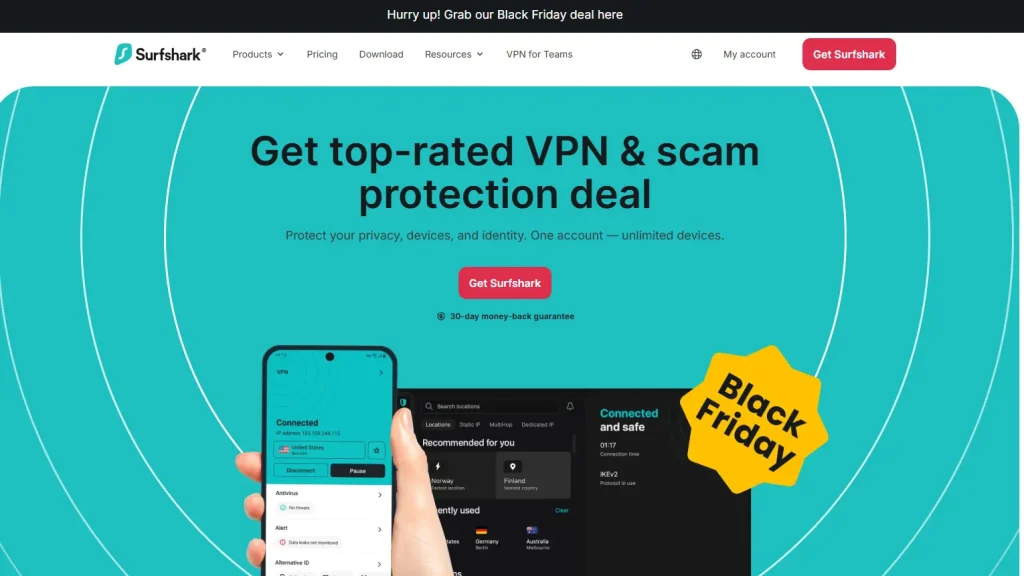
- Pricing: Starter costs $2.49 a month on the 24-month plan ($67.23 for the first 27 months). One+ costs $3.99 a month.
- Standout features: unlimited simultaneous devices, 100 countries and a Fire TV app.
- Pros: lowest long-term price in this list, audited no-logs policy and a 30-day money-back guarantee.
- Cons: the pricing page doesn’t show 1-month or 1-year prices.
4. Proton VPN: best free VPN for IPTV (with limits)
Proton VPN is the only provider here with a genuinely free plan: no data limits and no ads, but only one device, “medium” speed and servers in 10 randomly selected countries. Securitum audited its no-logs policy in August 2025, the fourth consecutive audit, and confirmed it applies to free and paid users alike, TechRadar reported.
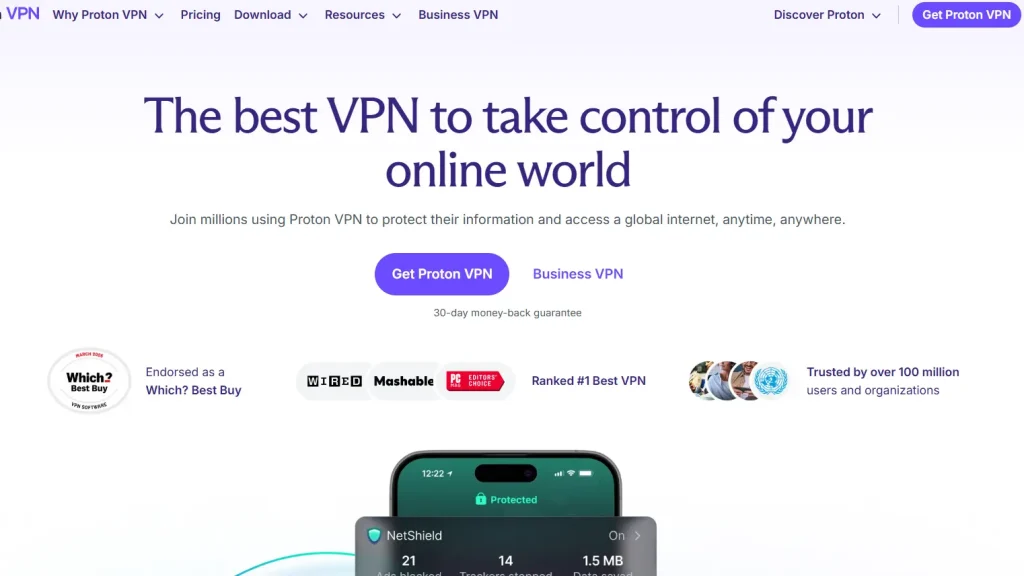
- Pricing: Proton Free costs $0. VPN Plus costs $3.49 a month on the 2-year plan ($83.76 for the first 24 months).
- Standout features: free plan with no data cap, Android TV app, and 10 devices on paid plans.
- Pros: strong privacy record, audited no-logs policy for free users and a 30-day money-back guarantee on paid plans.
- Cons: Proton lists streaming as not included on the free plan, and free speeds are limited.
Best VPNs for IPTV Compared
| VPN | Lowest listed price | Devices | Fast protocol | Latest no-logs audit |
|---|---|---|---|---|
| NordVPN | $3.49/mo (2 years) | 10 | NordLynx | Deloitte, Dec 2025 |
| ExpressVPN | $2.99/mo (2 years) | 10–14 | Lightway | KPMG, Feb 2025 |
| Surfshark | $2.49/mo (24 months) | Unlimited | WireGuard | Deloitte, 2025 |
| Proton VPN | Free; Plus $3.49/mo | 1 free; 10 paid | WireGuard | Securitum, Aug 2025 |
Our verdict: NordVPN is the best VPN for IPTV overall, ExpressVPN is the easiest to set up, Surfshark is the best value for households with many devices, and Proton VPN is the only free VPN for IPTV we’d trust. All four offer a 30-day money-back guarantee on paid plans, so you can test speeds with your own licensed IPTV service.
How to Connect a VPN to IPTV on Firestick and Android TV
The easiest way to add a VPN to IPTV is to install the VPN app on the same device as your IPTV player.
Step 1: Subscribe to your chosen VPN on its official website.
Step 2: On your Fire TV or Android TV, open the app store and search for the VPN by name.
Step 3: Install the app and sign in.
Step 4: Choose the WireGuard-based protocol (NordLynx, Lightway or WireGuard) in the settings.
Step 5: Connect to the fastest server near you.
Step 6: Open your IPTV player, such as TiviMate or IPTV Smarters Pro, and start a channel.
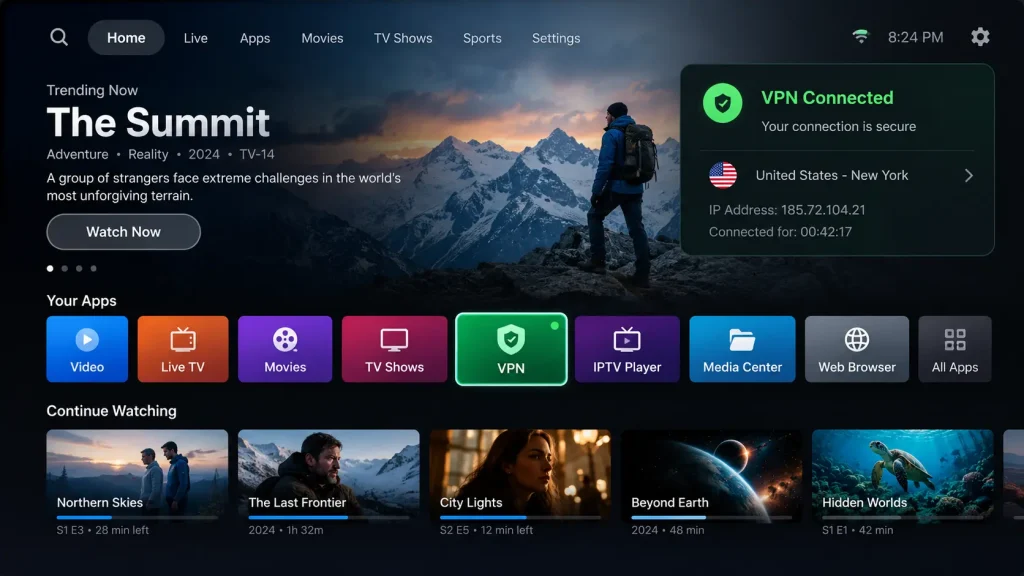
For an IPTV box that can’t install VPN apps, such as a MAG set-top box, set up the VPN on your router instead, so every device in the home is covered. Check your router’s manual or your VPN’s setup guides for supported models.
Best VPN Settings for IPTV
- Protocol: use NordLynx, Lightway or WireGuard. These are generally faster than OpenVPN for live streams.
- Server: the best VPN server for IPTV is usually the closest one to you, or one in the country your licensed service requires.
- Split tunnelling: route only your IPTV app through the VPN, or exclude it if your provider blocks VPN addresses.
- Kill switch: turn it on so your traffic never leaves the VPN if the connection drops.
- DNS: use the VPN’s own DNS to avoid leaks.
Does a VPN Help With IPTV Buffering?
Sometimes. If your ISP throttles video, a VPN can stop the slowdown, because the provider can no longer see that you’re streaming. But a VPN adds encryption and an extra hop, so on an unthrottled connection it can cause slightly slower speeds. If streams still buffer, the problem is usually your connection, Wi-Fi signal or the IPTV server itself. Our guide to IPTV streaming covers more fixes.
Is a Free VPN for IPTV Worth It?
Most free VPNs limit data, speed or servers, and some make money from your data. Proton VPN is the exception we recommend, because its free plan has no data cap and is covered by its audited no-logs policy, but it still allows only one device and doesn’t include streaming. For regular IPTV viewing, a low-cost paid plan is a better choice. Free VPN offers bundled with cheap “IPTV with built-in VPN” subscriptions are a red flag: these services are usually unlicensed.
Frequently Asked Questions About VPNs for IPTV
-
Should I use a VPN when watching IPTV?
It’s optional for licensed services, but useful for privacy, public Wi-Fi and avoiding ISP throttling. A VPN doesn’t make an unlicensed service legal, so choose from our list of legal IPTV services first.
-
Which IPTV app has a built-in VPN?
Mainstream IPTV players don’t include a full VPN service. Subscriptions advertising a “built-in VPN” are usually unlicensed resellers. A better option is to run a separate, audited VPN app alongside a trusted player from our IPTV player guide.
-
Can FBI track NordVPN?
NordVPN says it keeps no activity logs, and Deloitte has verified this six times, most recently in December 2025. But no VPN guarantees anonymity: law enforcement can still identify people through payment details, accounts, devices or other evidence, and a VPN never makes illegal activity legal.
-
Why won’t IPTV work with VPN?
Some IPTV services block VPN IP addresses, or only work from certain countries. Try a different server, switch protocol, or use split tunnelling to exclude your IPTV app from the VPN. If a licensed service requires your home location, connect to a server in your own country.
Final Thoughts: The Best VPN for IPTV
The best VPN for IPTV is a fast, audited no-logs service with apps for your streaming device. NordVPN is our top pick, ExpressVPN is the simplest to set up, Surfshark is the best value for many devices, and Proton VPN is the only free option we’d trust. Pair your VPN with a licensed provider from our guide to the best IPTV service providers, compare legal IPTV options, and read IPTV legality explained. New to IPTV? Start with how IPTV works, and find a player in our best IPTV player guide.