
Kodi IPTV setup is one of the most flexible ways to watch live TV on a TV box, PC, or phone. Kodi is a free, open-source media center, so you add your own channel source instead of being locked into one app. If you are new to the technology, start with our guide on what IPTV is and how it works, then come back here to set it up.
This guide covers how to add IPTV on Kodi with the official PVR IPTV Simple Client, how to use Xtream Codes details, which addons are worth trying, and how to fix common problems.
TL;DR: Key Takeaways
- Kodi is free software and does not include channels. You add your own M3U playlist or provider details.
- The official PVR IPTV Simple Client is the safest and most stable way to watch IPTV on Kodi.
- Xtream Codes logins work in Kodi by converting them into an M3U playlist URL.
- Use only legal sources, keep Kodi updated, and protect your connection.
What Is Kodi IPTV?
Kodi (formerly XBMC) is a cross-platform media player released under the GPL-2.0 license. “Kodi IPTV” simply means using Kodi as the front end for live TV streams delivered over the internet. Kodi plays the streams, shows the channel list, and can display a TV guide. You still need a source for the channels, such as a legitimate IPTV service.
This is why people search for “xbmc kodi iptv” and “kodi and iptv” together: XBMC was Kodi’s original name, and the PVR (personal video recorder) features that power live TV have been built in for years.
What You Need Before You Start
- A device that runs Kodi: Windows, macOS, Linux, Android TV, Fire TV, Raspberry Pi, iOS or tvOS.
- The latest stable Kodi build from the official Kodi download page. Avoid unofficial “builds,” which often bundle risky software.
- An M3U playlist URL (or Xtream Codes username, password and server address) from your provider.
- Optionally, an XMLTV guide URL for the program guide.
If you want to test a service before paying, see our guide to an IPTV free trial.
How to Set Up the Kodi PVR IPTV Simple Client
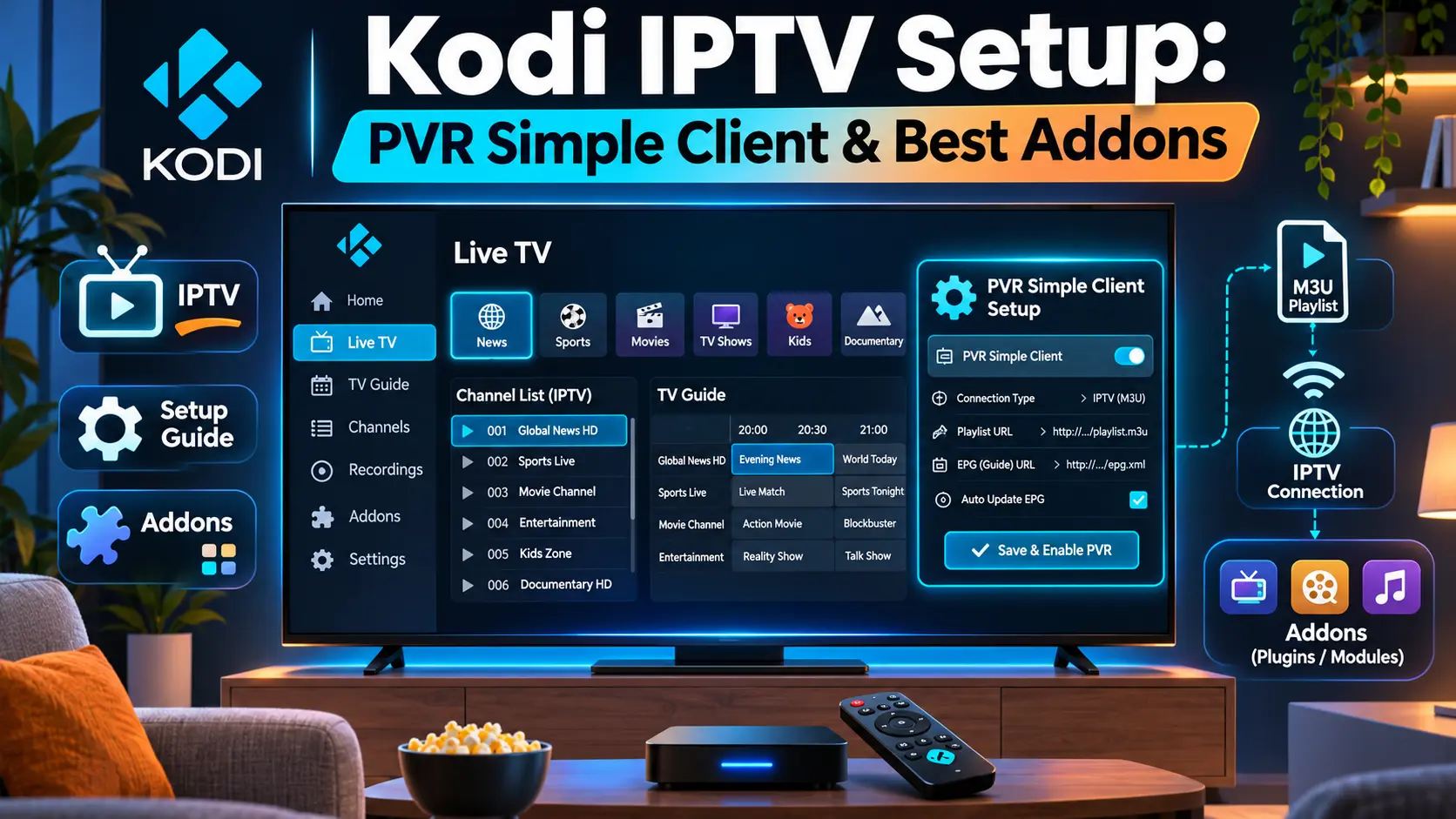
The PVR IPTV Simple Client is the official addon for IPTV on Kodi. According to the Kodi add-on page, it supports M3U playlists, multicast and unicast live TV, radio channels and EPG data. The same page lists more than 1.7 million downloads for the current version.
Step 1: Install the Addon
- Open Kodi and go to Settings > Add-ons.
- Choose Install from repository > All repositories > PVR clients.
- Select PVR IPTV Simple Client and click Install.
Step 2: Add Your M3U Playlist
- Open the addon and click Configure.
- Under General, set the location to Remote Path (Internet address) or Local path.
- Paste your M3U URL, or browse to a playlist file.
- Click OK and enable the addon when prompted.
Step 3: Add an EPG (Optional)
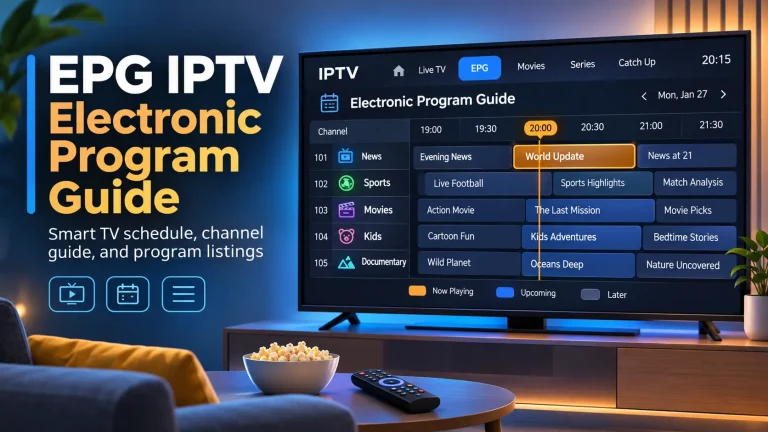
In the same settings, open the EPG Settings tab and paste your XMLTV URL. An electronic program guide (EPG) turns a plain channel list into a proper TV guide with schedules and descriptions.
Step 4: Restart and Watch
Restart Kodi, then open TV from the home screen. Channels load after a short import. This is the standard “kodi add iptv” workflow and the one the Kodi team documents in the addon README.
Using Xtream Codes with Kodi
If your provider gives you an Xtream Codes login instead of an M3U link, you can still use the Simple Client. Most providers let you build a playlist URL in this format:
http://SERVER:PORT/get.php?username=YOUR_USERNAME&password=YOUR_PASSWORD&type=m3u_plus&output=tsReplace the placeholders with your provider’s details and paste the result into the Remote Path field. Some community addons accept Xtream Codes logins directly, but they come from third-party repositories, so check who maintains them before you install anything.
Best Kodi IPTV Addons and Players
For “best iptv for kodi” searches, the real answer is to choose the best client and a reliable source. Here are the main options:
- PVR IPTV Simple Client: official, free, stable, and best for most users.
- Community PVR or playlist-manager addons: useful for managing multiple playlists, but quality varies by developer.
- Dedicated apps outside Kodi: TiviMate and IPTV Smarters Pro are popular on Android TV and Fire TV if you want a simpler interface.
- VLC: a lightweight option for testing a playlist. See our guide to IPTV on VLC.
For a full comparison beyond Kodi, read our roundup of the best IPTV player apps.
Free IPTV Kodi Addons: What to Know
Many people search for a “free iptv kodi addon.” Free public playlists exist, for example lists of publicly available channels shared on IPTV GitHub repositories. They are often unstable and can go offline without notice. Treat them as a way to test your setup, not as a long-term solution.
A Note on “Adult Builds” and Parental Controls
You may see searches like “kodi best adult build 2025 iptv.” Third-party “builds” are pre-packed bundles from unofficial sources and are a common route for malware. If you want age-restricted channels, use a proper provider and set a PIN in Kodi. Our overview of adult IPTV explains what to look for.
Is Using Kodi for IPTV Safe and Legal?
The Kodi software itself is legal. What matters is the content you stream. Streaming from licensed providers is fine, while using unlicensed sources can break copyright law in many countries. For a full breakdown, read is IPTV legal.
For privacy and ISP throttling, many users add a VPN. See our picks for the best VPN for IPTV.
Common Kodi IPTV Problems and Fixes
- No channels appear: check the playlist URL, make sure the addon is enabled, and restart Kodi.
- Buffering: test your speed, switch to a wired connection, or try a VPN if your ISP throttles streaming.
- No TV guide: confirm the XMLTV URL works and matches the channel IDs in your playlist.
- Addon missing: update Kodi. Addon versions are tied to Kodi releases (for example, the Omega series).
Frequently Asked Questions
-
Can I use Kodi for IPTV?
Yes. Kodi supports IPTV through the built-in PVR system and the official PVR IPTV Simple Client. You add an M3U playlist or provider details, and Kodi shows the channels and guide.
-
Is Kodi legal in the USA?
Yes, Kodi is legal software in the USA. Legality depends on your content sources, so use licensed streams only. See our IPTV legality guide for details. This is general information, not legal advice.
-
Is Kodi still working in 2026?
Yes. Kodi 21 “Omega” is the current stable series at the time of writing, and Kodi 22 “Piers” is in pre-release testing. Always download from the official Kodi site to stay safe.
-
Is there a monthly fee for Kodi?
No. Kodi is free and open source. Your only cost is the channel source. Compare options in our guide to choosing an IPTV service.
Conclusion: Is Kodi IPTV Worth It?
Kodi IPTV is a great fit if you want one free, customizable app for live TV, recordings and a proper guide. Use the PVR IPTV Simple Client, add a legal playlist, and keep everything updated. If you want to explore other apps or learn the basics first, browse our guides on IPTV and the best IPTV players.