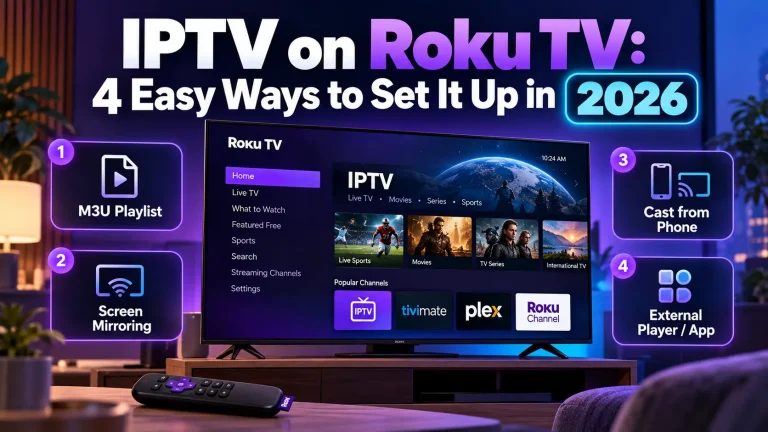
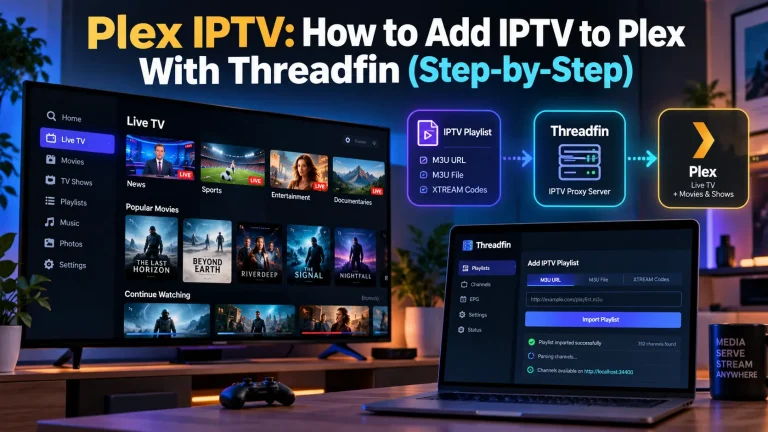
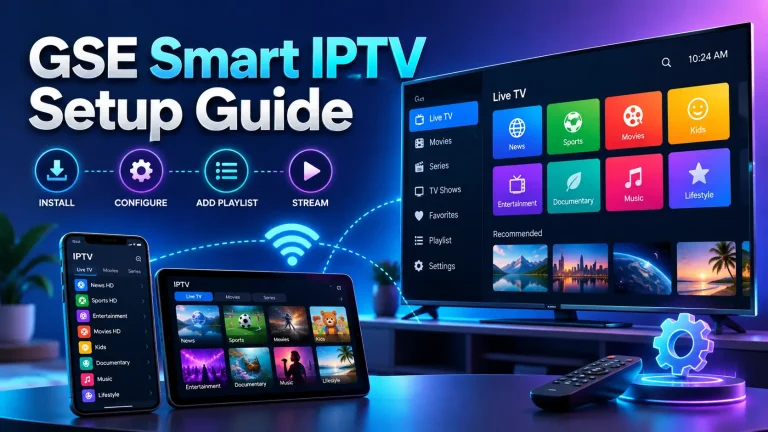
IPTV & OTT Setup Guides
Step-by-step help for installing, configuring and troubleshooting streaming services on your devices.
Latest guides
What our guides cover
Getting started
What you need before you subscribe: a suitable connection speed, a compatible device and a licensed provider.
Device setup
Installing and configuring apps on smart TVs, streaming sticks, phones, tablets and computers.
Fixing playback problems
Practical checks for buffering, freezing, missing channels and poor picture quality.
Staying safe
Protecting your account, avoiding unknown apps and recognising services you should stay away from.
Before you set anything up
Most streaming problems come from the same few causes. Running through this list first saves time later:
- Check your internet speed. As a general guide, HD streaming needs at least 5 Mbps and 4K needs around 15 to 25 Mbps for each stream.
- Use the official app or instructions supplied by your provider.
- Connect by cable where you can. A wired connection to your TV or box is steadier than Wi-Fi.
- Keep your device and apps updated so you have the latest fixes.
- Protect your login details and never install apps from sources you do not trust.
Still choosing a service?
A guide helps most once you know which platform you will use. If you are still deciding, start with our reviews and the comparison tool.
Frequently asked questions
What do I need to watch IPTV or an OTT service?
You need a reliable internet connection, a compatible device such as a smart TV, streaming stick, phone or computer, and a subscription to a licensed provider. Most providers offer their own app.
Why does my stream keep buffering?
Buffering usually comes from a slow or unstable connection, weak Wi-Fi, or too many devices using the network at once. Try a wired connection, move closer to the router, close other apps and lower the video quality to see whether it improves.
Do I need a VPN for streaming?
No, a VPN is not required. Some people use one for privacy on public Wi-Fi. A VPN can slow your connection, and using one to get around regional restrictions may break the terms of your provider.
Is IPTV legal?
The technology itself is legal and is used by many licensed broadcasters and telecom providers. What matters is whether a particular service holds the rights to the channels it offers. Laws differ between countries, so check that a provider is licensed where you live.
Which device is best for streaming?
Any recent smart TV, streaming stick or set-top box works well for most services. What matters more is that your provider supports the device and that it is connected to a stable network.
Looking for a service to set up?
See the platforms we have reviewed, with ratings from real users and the facts that matter.