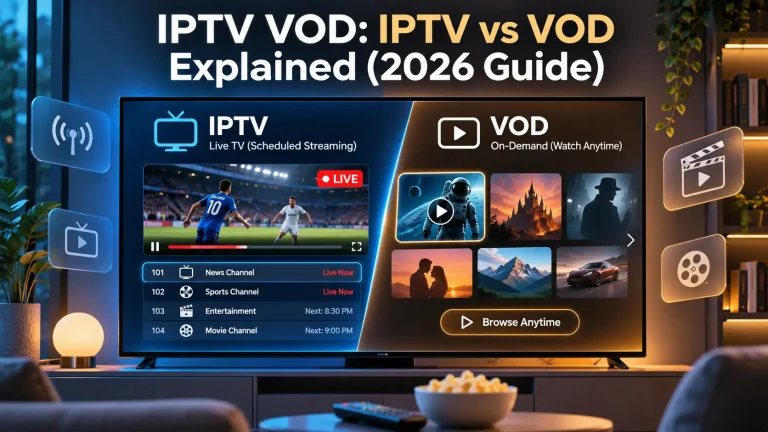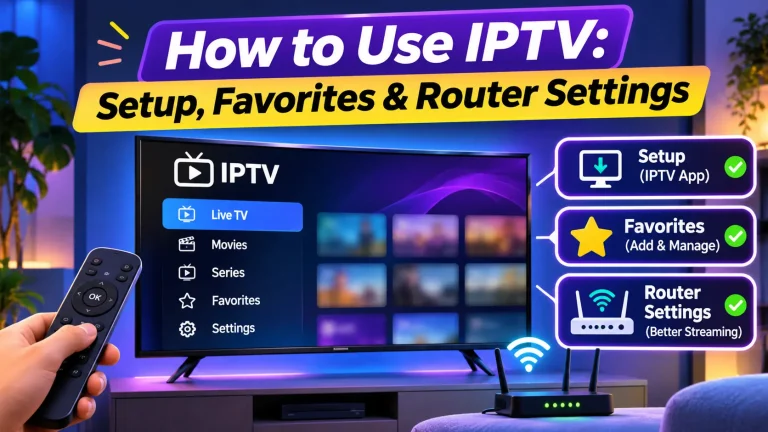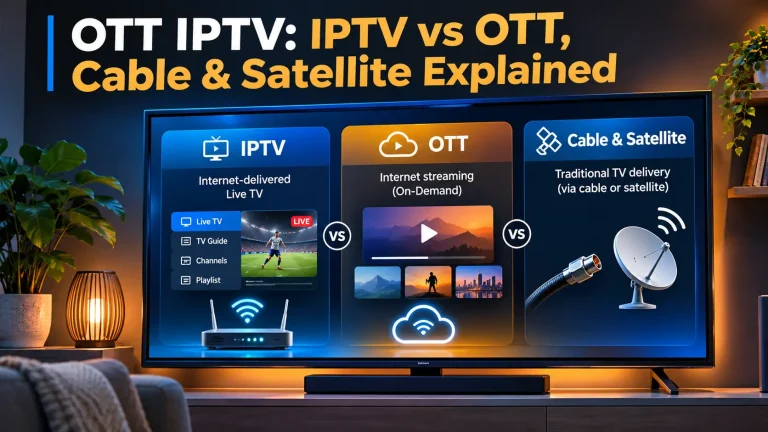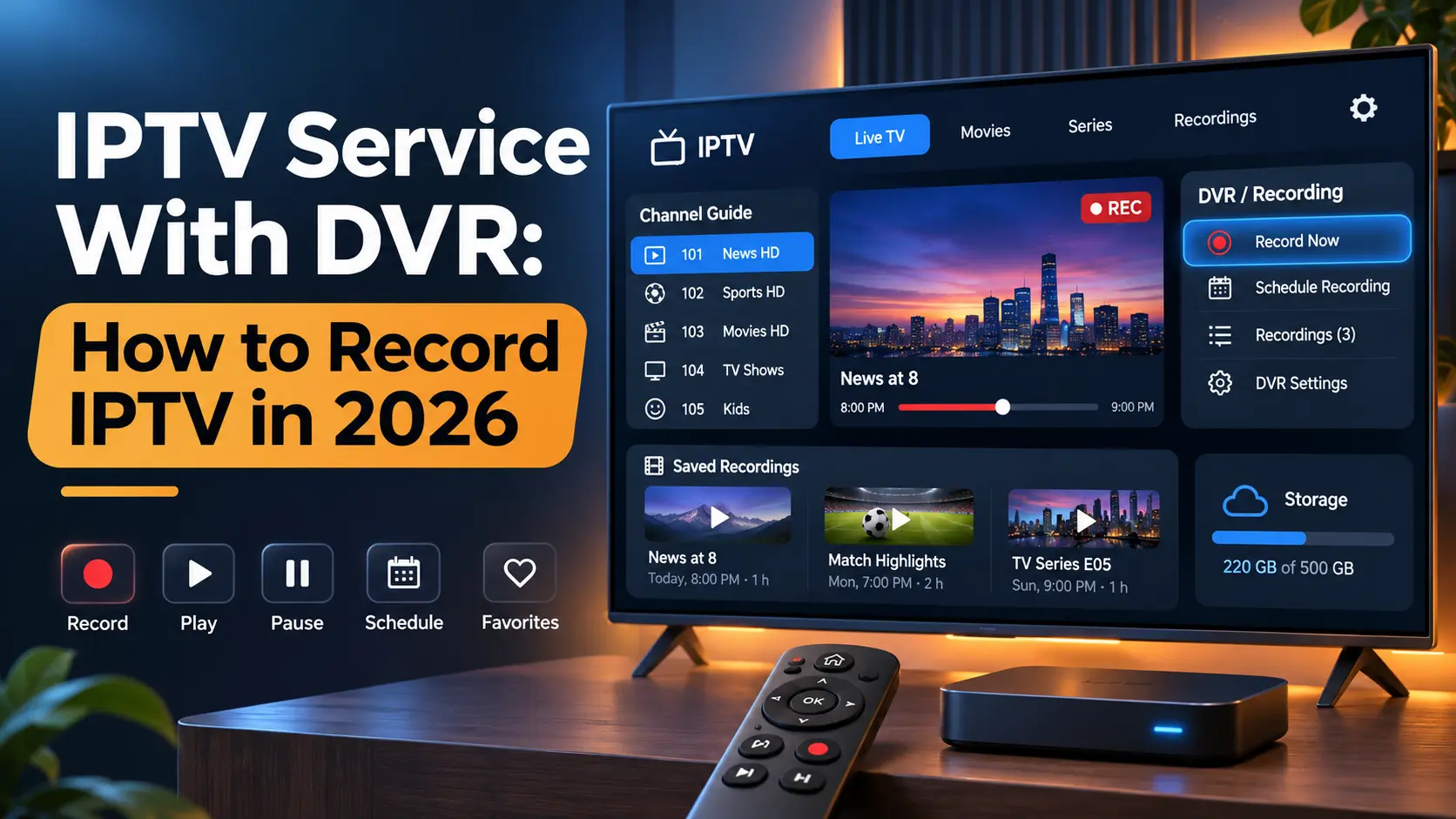

Looking for an IPTV service with DVR? A DVR (digital video recorder) lets you record live TV and watch it later, and on IPTV it comes in two forms: a cloud DVR built into your streaming service, or local recording through an app, box or home server. This guide explains how IPTV DVR works, which licensed services include unlimited cloud DVR, the best IPTV apps and boxes for recording, and how to record IPTV on Firestick and other devices without running out of storage.
Key takeaways (TL;DR)
- Yes, you can record IPTV. Most US live TV services include cloud DVR, and YouTube TV, DIRECTV, Fubo and Hulu + Live TV offer unlimited storage with recordings kept for nine months.
- Philo includes unlimited DVR with recordings kept for a year, while Sling TV includes 50 hours, upgradeable to unlimited for $5 a month.
- For your own M3U playlist, record with an IPTV player such as TiviMate, or a home server such as Channels DVR or Plex.
- Local recordings take space: HD TV averages about 8 GB per hour, so a streaming stick fills up fast.
What Is DVR in IPTV?
IPTV delivers live TV over the internet; if you’re new to it, start with our guide to what IPTV is and how it works. A DVR for IPTV records those live streams so you can pause, rewind and watch programmes later. There are two types:
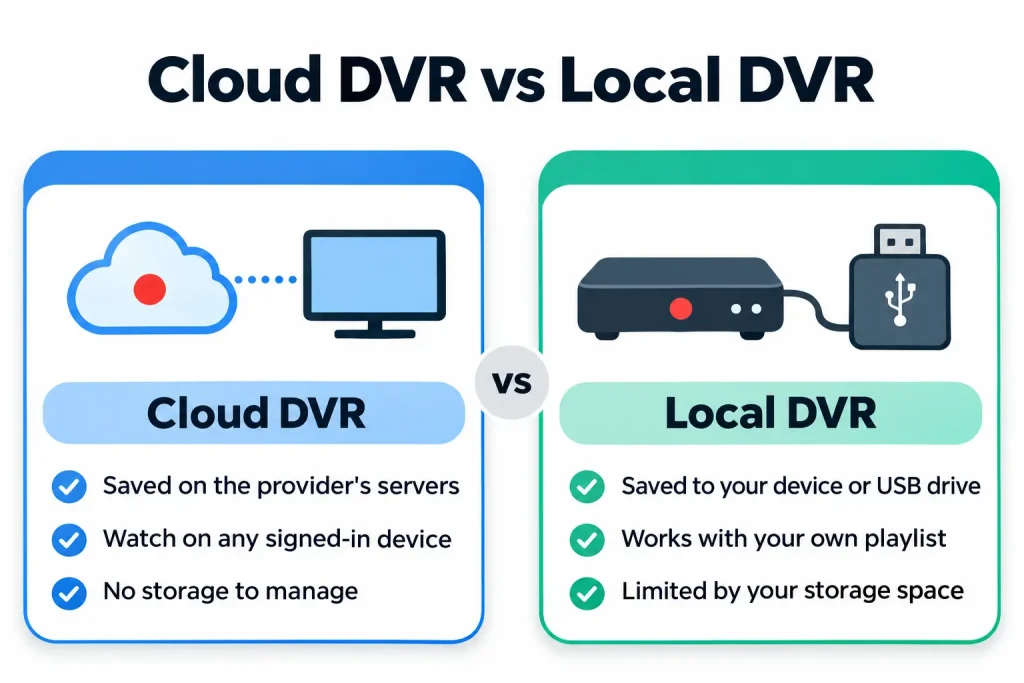
- Cloud DVR: recordings are stored on the provider’s servers. Nothing is saved on your device, and you can usually watch on any device you sign in to.
- Local DVR: recordings are saved to your own device, USB drive or home server, using an IPTV recorder app or software.
Many services also offer catch-up TV, which lets you replay programmes from the past few days without recording them yourself. Catch-up depends on the provider, while a DVR records only what you choose.
Best IPTV Service With DVR (Cloud DVR)
Every major US live TV streaming service is an IPTV service, and almost all include cloud DVR. According to Cord Cutters News (September 2026), here’s how they compare:
| Service | Base price | Cloud DVR storage | How long recordings are kept |
|---|---|---|---|
| YouTube TV | $82.99/mo | Unlimited | 9 months |
| DIRECTV | $89.99/mo | Unlimited | 9 months |
| Fubo | $88.99/mo | Unlimited | 9 months |
| Hulu + Live TV | $89.99/mo | Unlimited | 9 months |
| Sling TV | $45.99/mo | 50 hours (unlimited for $5/mo) | Not stated |
| Philo | $25/mo | Unlimited | 1 year |
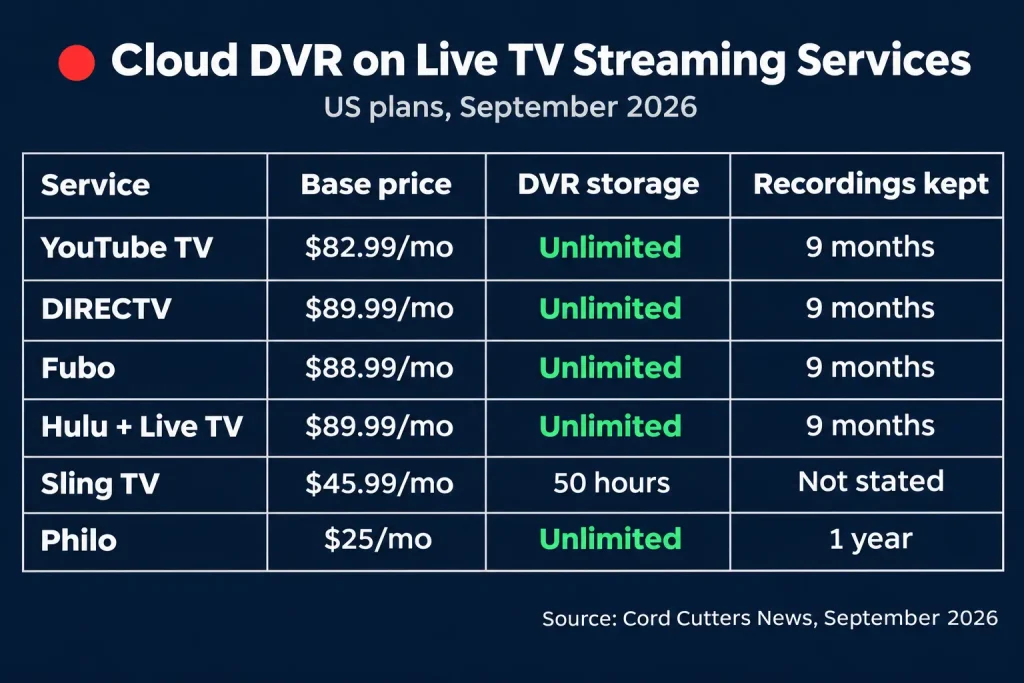
Our pick: Philo is the cheapest IPTV with DVR, with recordings kept the longest, but it has no local sports channels. YouTube TV is the best IPTV service with DVR for most households, combining unlimited storage with local channels and sport. For full plan details, see our guide to IPTV in the USA.
How to Record IPTV From Your Own Playlist
If you use an M3U playlist or Xtream Codes login instead of a big-name service, you need a recorder on your side. There are three main options.
1. An IPTV recording app (TiviMate and others)
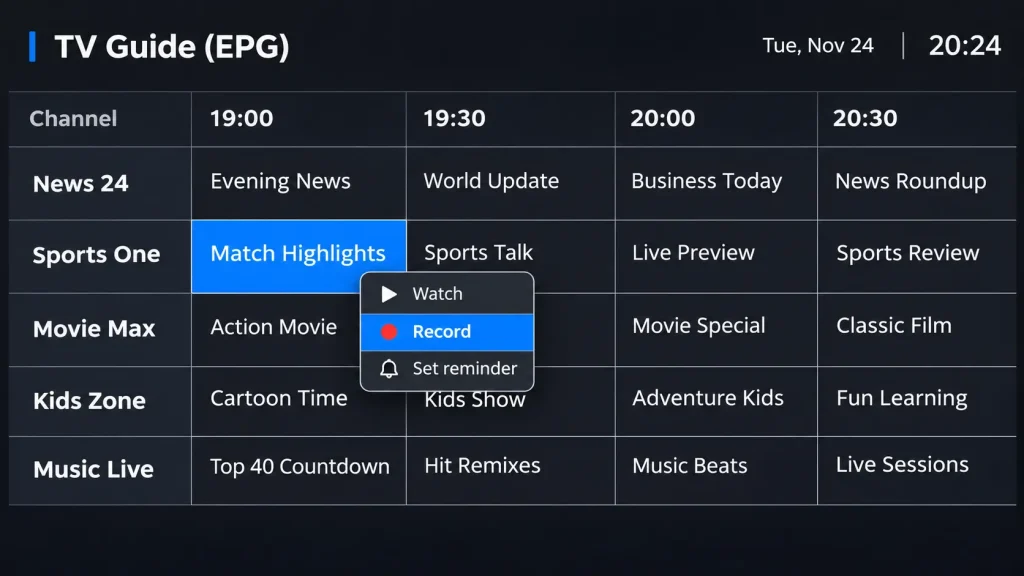
Some IPTV players can record directly. The TiviMate listing on Google Play includes “Recording: Record your favorite shows to watch later” and catch-up among its features, and notes that paid upgrades unlock app features only, not channels. Recording in TiviMate works best with an EPG, so you can pick a programme from the guide; see our explainer on EPG for IPTV.
Step 1: Add your playlist and EPG to the player.
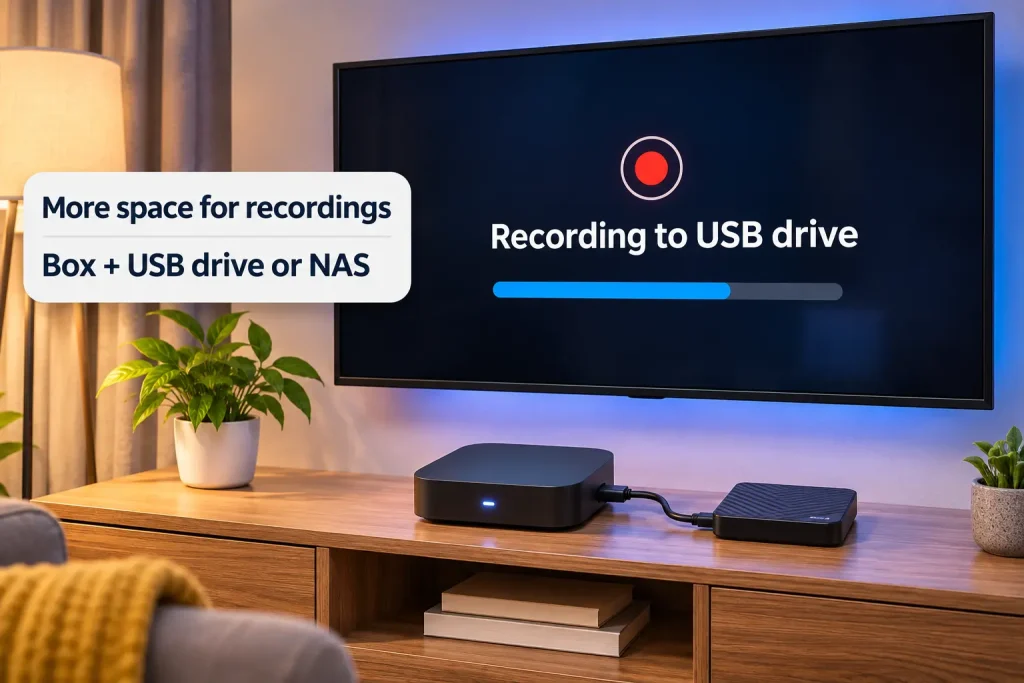
Step 2: Set a recording folder, ideally on a USB drive or network storage.
Step 3: Open the TV guide and select the programme you want.
Step 4: Choose Record, or schedule a recording for a future programme.
Read our full TiviMate guide for setup details.
2. Channels DVR: best whole-home IPTV recorder
Channels DVR Server is a home media server that records TV and streams it to Channels apps on Apple TV, iOS, Android and Fire TV. It runs on macOS, Windows, Linux, Docker and many NAS devices. Its custom channels feature accepts M3U playlists and XMLTV guides (up to 750 channels per playlist) and can record them, which is why “Channels DVR IPTV” setups are popular with power users.
Channels recommends a 2 TB hard drive, which it says holds “over 250 hours of recordings”.
3. Plex DVR
Plex can record IPTV through Live TV & DVR, using Threadfin to turn your M3U playlist into a tuner. It requires Plex Pass, and recordings appear in your Plex library on every device. Follow our step-by-step Plex IPTV guide to set it up. Kodi users can record through PVR add-ons too, such as PVR IPTV Simple Client.
Can You Record IPTV on Firestick?
Yes, but storage is the problem. Streaming sticks have small built-in storage, and Channels estimates that HDTV averages “~8GB per hour”. A few hours of recordings can fill a stick and slow it down.
If you want to record IPTV on Firestick:
- Use a cloud DVR service: YouTube TV, Philo and others store recordings online, so the stick’s storage doesn’t matter.
- Record to network storage: point your recording app to a NAS or shared folder on your network instead of the stick.
- Use a home server: Channels DVR or Plex records on a computer or NAS, and the Firestick just plays the recordings.
Best IPTV Box for Recording
For local recording, the best IPTV DVR box is one with plenty of storage options:
- Android TV boxes: most have USB ports for an external drive, which makes them better for recording than sticks. See our guide to the best Android TV boxes for IPTV.
- A NAS or home PC: running Channels DVR or Plex gives you terabytes of space and whole-home playback.
- Set-top boxes: some IPTV boxes support recording to USB; check before you buy.
The Best Way to Record IPTV
- Easiest: a licensed IPTV service with unlimited cloud DVR, such as YouTube TV or Philo. Nothing to set up and no storage to manage.
- Best for your own playlist on one TV: an IPTV recording app with a USB drive.
- Best for the whole home: Channels DVR or Plex DVR on a NAS or always-on computer.
Whichever you choose, only record channels you’re licensed to watch. Recording from an unlicensed playlist doesn’t make the content legal; choose from our list of legal IPTV options.
IPTV DVR Problems and Fixes
- Recording fails to start: check that the stream plays, that your recording folder still exists, and that your provider allows enough simultaneous connections for watching and recording at once.
- Recordings are empty or cut short: the stream dropped. Use a wired connection and add a few minutes of padding before and after each recording.
- Can’t pick programmes to record: your EPG is missing or not matched to your channels.
- Storage full: move recordings to a USB drive or NAS, or switch to a cloud DVR service.
- Recordings won’t play on another TV: local recordings stay on the device that made them. Save them to network storage, or use Channels DVR or Plex to share them across the home.
- Recordings stutter on playback: slow USB sticks and microSD cards struggle with HD video. Use a USB 3.0 hard drive or SSD formatted for your device.
- Cloud recordings disappeared: they may have passed the service’s retention period, such as nine months on YouTube TV.
Frequently Asked Questions About IPTV DVR
-
Is there a DVR for IPTV?
Yes. Licensed IPTV services such as YouTube TV, Hulu + Live TV, Fubo and Philo include cloud DVR. For your own playlist, recording apps like TiviMate and home servers like Channels DVR and Plex work as an IPTV DVR.
-
Is there a streaming service that has a DVR?
Yes, most US live TV streaming services have one. YouTube TV, DIRECTV, Fubo and Hulu + Live TV offer unlimited DVR with recordings kept for nine months, Philo keeps recordings for a year, and Sling TV includes 50 hours.
-
Which IPTV services offer cloud DVR capabilities?
YouTube TV, DIRECTV, Fubo, Hulu + Live TV, Sling TV and Philo all offer cloud DVR in the US, according to Cord Cutters News. Compare licensed options in other countries in our guide to the best IPTV service providers.
-
Can I use a DVR with streaming services?
With live TV services, yes: use their built-in cloud DVR. On-demand services such as Netflix don’t need a DVR, because you can watch any title at any time. For your own IPTV playlist, use an IPTV recording app or a DVR server.
Final Thoughts: Choosing an IPTV Service With DVR
The simplest IPTV service with DVR is a licensed live TV service with unlimited cloud recording, such as YouTube TV or Philo. If you use your own playlist, record with an IPTV player and a USB drive, or set up Channels DVR or Plex for whole-home recording. Plan your storage, keep your EPG matched, and stick to licensed channels from our list of legal IPTV services. To compare more options, read our IPTV service guide, or start with how IPTV works.