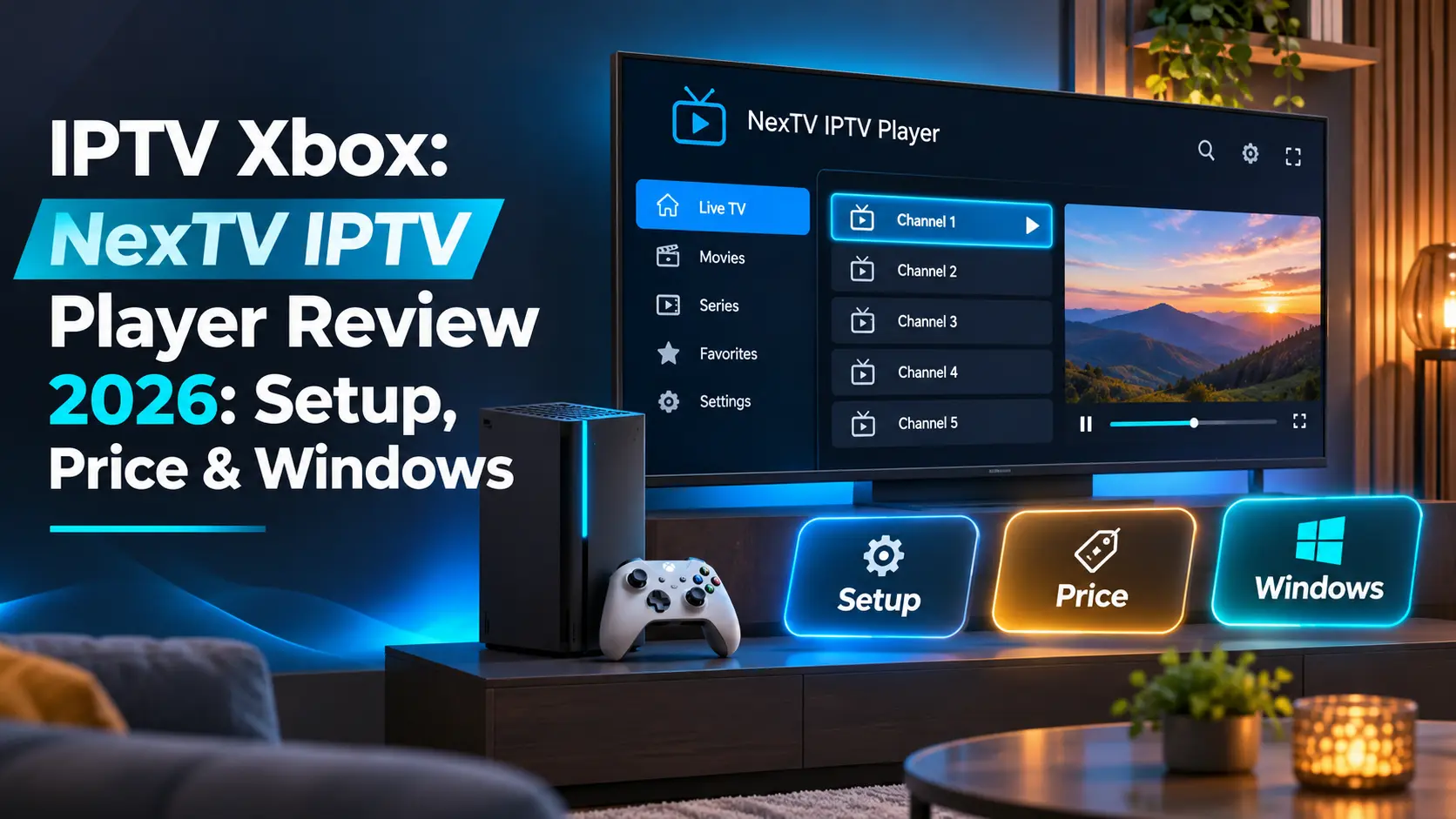

NexTV IPTV Player is a playlist player for Android, Android TV, iPhone, iPad and Mac that turns your M3U link or Xtream Codes login into a tidy TV guide with live channels, films and series. Like every IPTV player, it includes no channels of its own. This NexTV IPTV Player review covers what the app does, how to install and set it up, what NexTv+ costs, whether there’s a NexTV IPTV Player for Windows, and why a “NexTV IPTV Player mod APK” is a risk you don’t need to take.
Key takeaways (TL;DR)
- NexTV is a player only: it supports M3U playlists, Xtream Codes (XC) logins and 1-Stream playlists, with an EPG, search and organised categories.
- The Android version has 500K+ downloads on Google Play; the Apple version runs on iPhone, iPad, Mac and Apple Vision.
- On Apple devices, NexTv+ costs $7.99 a year, $4.99 for six months or $16.99 for a lifetime licence.
- There’s no native Windows app, and modded APKs are a malware risk. Use the official stores.
What Is Nex TV?
NexTv is an IPTV player: an app that plays the TV streams you already have from a provider. If you’re new to IPTV, read our guide to what IPTV is and how it works. The Google Play listing describes it as an app to “watch your digital content, live TV shows, movies and series”, published by DCS apps (DCS Consulting). On Apple devices, the App Store listing calls it “NexTv (Video player playlist explorer)”.
Both listings carry the same disclaimer: “Neither NexTv nor its founder provides content and they are not responsible for your content.” You need your own playlist from a provider.
NexTV IPTV Player Features
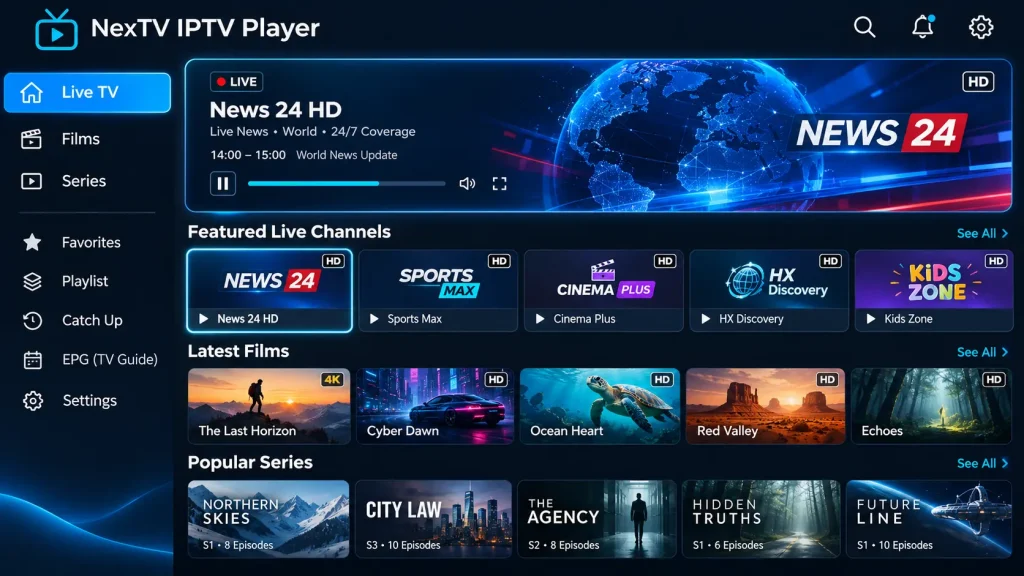
According to the App Store listing, NexTV offers:
- Playlist support: “NexTv can handle M3U playlist, XC credentials & 1-Stream playlists.”
- TV guide: an electronic program guide (EPG) for live channels. Learn how guides work in our explainer on EPG for IPTV.
- Organised categories: live TV, films and series sections, with options to hide and sort categories.
- Search and details: full-text search and detailed pages for shows and films. The Android listing notes that NexTV uses the TMDb API for film and series information, though it “is however not certified by TMDb”.
Supported Devices and Price
| Platform | Where to get it | Details |
|---|---|---|
| Android phones and tablets | Google Play | 500K+ downloads; last updated 7 May 2025 |
| Android TV / Google TV | Google Play (TV version) | Separate TV build |
| iPhone and iPad | App Store | iOS / iPadOS 13.0 or later |
| Mac | Mac App Store | macOS 11.0 or later |
| Apple Vision Pro | App Store | visionOS 1.0 or later |
| Windows | No native app | See the Windows section below |
NexTV is free to download. On Apple devices, the premium tier NexTv+ is an in-app purchase: $4.99 for six months, $7.99 a year or $16.99 for a lifetime licence. Google Play doesn’t list a price on the app page, though reviewers mention buying a licence.
How to Set Up NexTV IPTV Player
Step 1: Install NexTV from Google Play or the App Store.
Step 2: Open the app and choose to add a playlist.
Step 3: Pick your playlist type: M3U URL, XC (Xtream Codes) login or 1-Stream.
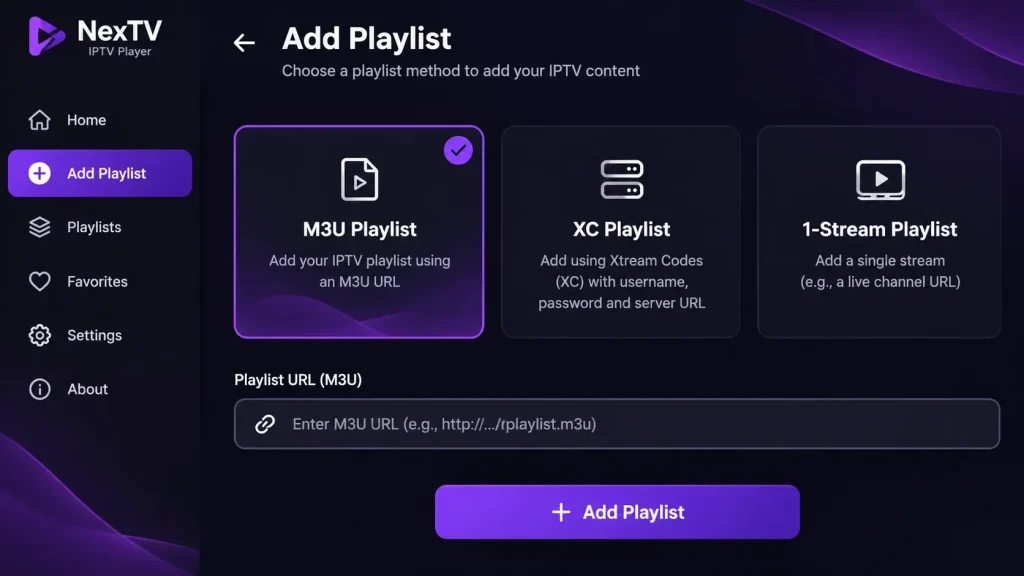
Step 4: Paste your M3U link, or enter the server URL, username and password your provider gave you.
Step 5: Save the playlist and wait for live TV, films and series to load.
Step 6: Open the TV guide and select a channel to start watching.
Xtream Codes logins usually load the EPG automatically. With a plain M3U link, add your provider’s XMLTV guide link if the app asks for one.
NexTV IPTV Player for Windows
We couldn’t find a native NexTV app for Windows in the Microsoft Store. Your options on a PC are:
- Android emulator: emulator sites such as BlueStacks list NexTV, letting you run the Android version on Windows. Emulators use a lot of memory, though.
- A Windows IPTV player: a native app is lighter. VLC can open M3U links (see our IPTV on VLC guide), and our IPTV player guide lists more Windows options.
- Mac users: install NexTV directly from the Mac App Store.
NexTV IPTV Player APK and Mod APK: Should You Use Them?
Searches for “NexTV IPTV Player APK” or “NexTV IPTV Player mod APK” usually lead to third-party download sites offering unlocked premium features. We don’t recommend them:
- Malware risk: modified APKs can contain spyware or adware, and they never get security updates.
- Your logins are exposed: an IPTV player handles your provider’s username and password, so a tampered app can steal them.
- No support: modded apps break with updates, and the developer can’t help you.
The official app is free to try, and NexTv+ costs a few dollars a year on Apple devices. Download only from Google Play or the App Store.
NexTV IPTV Player Troubleshooting
- Playlist won’t load: check that the M3U link is complete and still active, or re-enter your Xtream server URL, username and password. Test the link in another player to rule out a dead link.
- No TV guide: Xtream logins usually include the EPG. With an M3U link, add your provider’s XMLTV guide, and make sure channel IDs match.
- Buffering: use a wired connection or 5 GHz Wi-Fi, and close other apps that use your bandwidth.
- Premium features missing after purchase: use the restore purchases option in the app, and sign in with the same Apple or Google account you paid with. The latest iOS update specifically fixed an issue with the NexTv+ entitlement.
- App crashes: update NexTV from the official store, clear its cache on Android, or reinstall it.
NexTV vs Other IPTV Players
| Player | Best for | Main platforms |
|---|---|---|
| NexTV | Low-cost player on Apple devices and Android | Android, iPhone, iPad, Mac |
| TiviMate | A cable-style guide on Android TV | Android TV, Fire TV |
| IPTV Smarters Pro | One app across many devices | Android, iOS, smart TVs |
| VLC | Quickly testing an M3U link | Windows, Mac, Android, iOS |
If you mainly watch on an iPhone, iPad or Mac, NexTV’s lifetime licence makes it one of the cheaper options. On Android TV boxes, TiviMate offers more TV-focused features.
NexTV IPTV Player Review: Pros and Cons
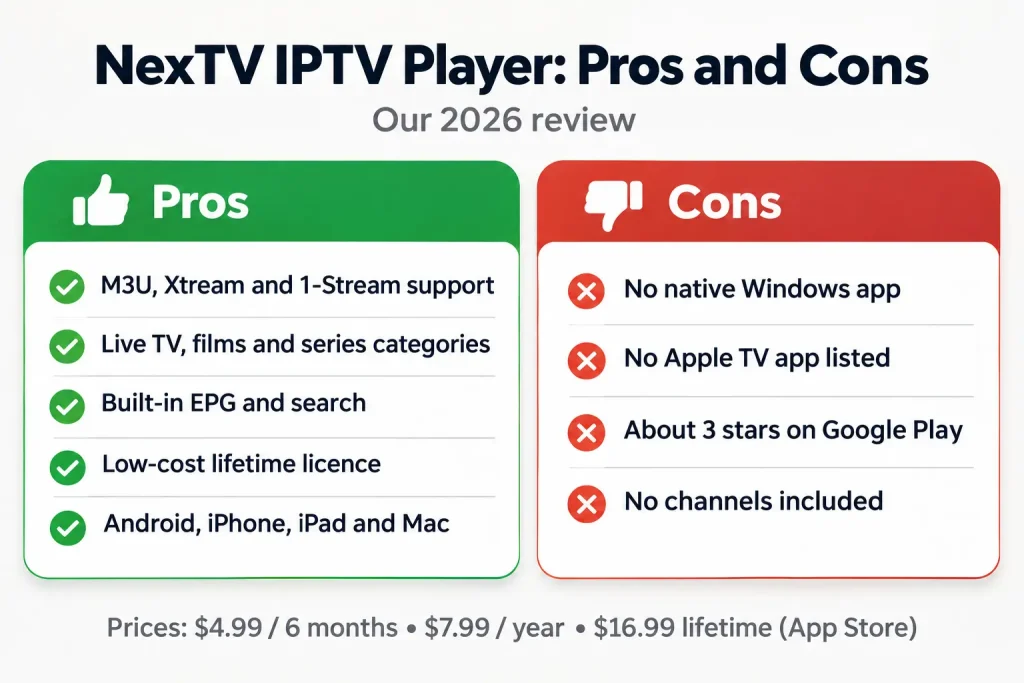
- Pros: supports M3U, Xtream and 1-Stream; clean categories for live TV, films and series; EPG and search; low-cost premium tier; runs on Android, Apple devices and Mac.
- Cons: no native Windows app; no Apple TV app listed; Google Play rating of about 3 stars from more than 1,000 reviews; the Android app was last updated in May 2025.
In Google Play reviews, one user asks how to identify channels when “most channels might not have live EPGs”, a gap that usually depends on the provider’s guide rather than the app. If you want alternatives, TiviMate is a popular choice on Android TV, and IPTV Smarters Pro runs on most devices.
Frequently Asked Questions About NexTV IPTV Player
-
Is IPTV legal in the US?
Yes, IPTV is legal in the US when the service is licensed, such as YouTube TV or Sling TV. Players like NexTV are legal too. Unlicensed IPTV subscriptions are illegal. Read is IPTV legal? for details.
-
What is Nex TV?
Nex TV (NexTv) is an IPTV player app for Android, Android TV, iPhone, iPad and Mac. It plays M3U playlists, Xtream Codes logins and 1-Stream playlists from your provider, and doesn’t include any channels itself.
-
What is the best IPTV player to use?
It depends on your device. TiviMate is a top choice on Android TV, IPTV Smarters Pro works almost everywhere, and NexTV is a good low-cost option on Apple devices. Compare more in our best IPTV player guide.
-
What does IPTV player mean?
An IPTV player is an app that plays TV channels delivered over the internet. You add a playlist or login from your provider, and the player shows the channels, guide and on-demand content. The player itself doesn’t supply channels.
Final Thoughts: Is NexTV IPTV Player Worth It?
NexTV IPTV Player is a clean, affordable player for Android and Apple devices, with M3U, Xtream and 1-Stream support, an EPG and well-organised categories. It’s a good fit if you watch mainly on an iPhone, iPad or Mac and want a one-time lifetime licence instead of a subscription. Windows users will need an emulator or a different player, and you should skip modded APKs. Load only licensed playlists, read IPTV legality explained, or start with how IPTV works.