
The right IPTV player turns a plain playlist into something that feels like a real TV service: a channel guide, fast zapping, catch-up, favourites and a clean movie library. The wrong one leaves you scrolling through thousands of unsorted links. With so many IPTV apps on Firestick, Android, iPhone, Apple TV, Mac, Windows, Linux and smart TVs, choosing is harder than it should be. This guide compares the best IPTV players and apps of 2026, both free and paid, and shows which IPTV player works best on each device, based on each developer’s official listing.
Key takeaways (TL;DR)
- An IPTV player is a media app that plays your provider’s playlist. It doesn’t include any channels.
- Best overall: TiviMate for Android TV and Firestick, IPTVX for Apple devices, and VLC or Kodi for free cross-platform use.
- Free IPTV players include VLC, Kodi, IPTV Smarters Pro, MyIPTV Player (Windows) and Hypnotix (Linux).
- Download players only from official app stores or developer sites, and avoid “modded” premium APKs.
What Is an IPTV Player?
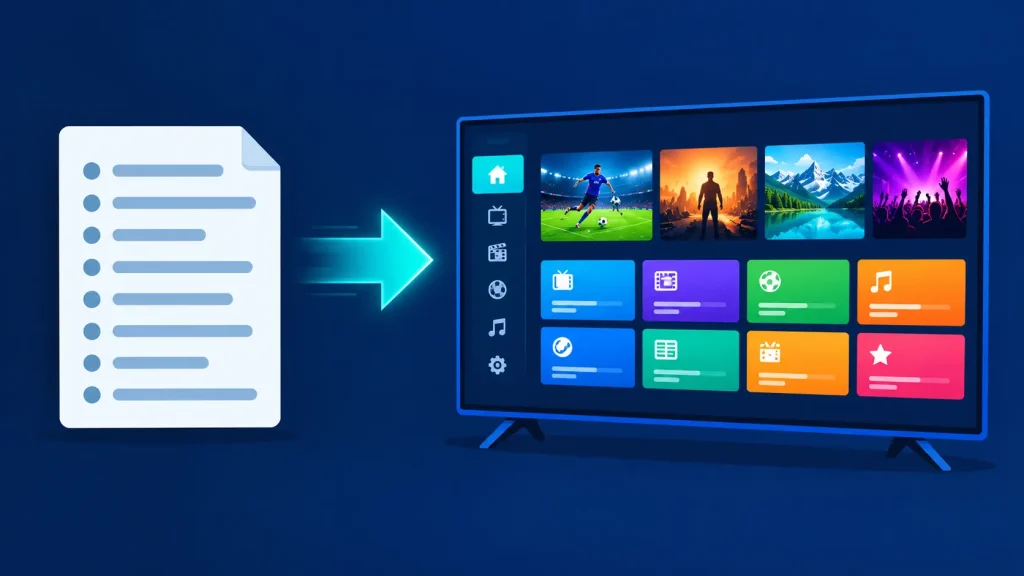
An IPTV player is an app that loads the channel list your IPTV provider gives you and plays it on your device. It organises live channels, the TV guide, movies and series into a TV-style interface. If you’re new to the technology behind it, start with our guide to what IPTV is and how it works.
Most IPTV player apps accept one or more of these formats:
- M3U / M3U8 playlist: a link or file listing your channels.
- Xtream Codes API: a username, password and server URL that usually loads live TV, VOD and the guide automatically.
- Portal (MAG / STB): a portal address tied to your device’s MAC address, used by STB emulator apps.
- EPG: a TV guide feed. Learn more about how EPG works.
The player is only half the picture. You still need a content source, ideally a licensed one. See our guide to the best IPTV service providers by country.
Best IPTV Players at a Glance
| IPTV player | Platforms | Price | Best for |
|---|---|---|---|
| TiviMate | Android TV, Google TV, Fire TV | Free; Premium about $10–12/yr or ~$34 lifetime | Best overall on TV devices |
| IPTV Smarters Pro | Android, Fire TV, Windows and more | Free | Free all-rounder |
| IPTVX | iPhone, iPad, Mac, Apple TV, Vision Pro | Free; Full from $3.99/mo or $28.99/yr | Best for Apple devices |
| iPlayTV | Apple TV | $5.99 one-time | Simple Apple TV player |
| VLC | Windows, Mac, Linux, iOS, Android | Free | Quick testing on any device |
| Kodi + IPTV Simple Client | Windows, Mac, Linux, Android, Xbox and more | Free | Customisable media centre |
| MyIPTV Player | Windows | Free | Windows PCs |
| Hypnotix | Linux | Free | Linux Mint and Ubuntu |
| STB-EMU | Android, Android TV | Free with in-app purchases | MAG / portal subscriptions |
| Smart IPTV | Samsung, LG, Android TV, Fire TV | Activation via in-app purchase | Samsung and LG smart TVs |
Best IPTV Players & Apps in 2026
1. TiviMate: best IPTV player for Android TV and Firestick
TiviMate is the most popular IPTV player app on TV devices. It turns any M3U or Xtream Codes playlist into a cable-style guide with fast channel switching. The free version supports one playlist. TiviMate Premium adds multiple playlists, catch-up, recording and multiview, and is sold as an annual or lifetime licence covering up to five devices. Read our full TiviMate guide for details.
- Pros: the best TV guide of any player, fast and highly customisable, and actively developed.
- Cons: Android-based TV devices only (no iPhone, Apple TV, Mac or Windows), and key features need Premium.
2. IPTV Smarters Pro: best free all-round IPTV app
IPTV Smarters Pro is a free IPTV player that supports Xtream Codes and M3U, with separate Live TV, Movies and Series sections, EPG, catch-up and multi-screen viewing. It runs on Android, Fire TV and Windows, among other platforms. The official app has been removed from app stores several times, and many look-alikes use the name, so check the developer before installing. See our IPTV Smarters Pro guide.
- Pros: free, a familiar layout, and many supported devices.
- Cons: unstable store availability and lots of copycat apps.
3. IPTVX: best IPTV app for iPhone, iPad, Mac and Apple TV
IPTVX is the standout IPTV player across Apple devices: iPhone, iPad, Mac (Apple Silicon), Apple TV and Apple Vision Pro. It supports Xtream API, M3U and M3U8, plus Plex and SMB, with an EPG grid, picture-in-picture, Dolby Vision, HDR10 and HLG. It’s free to download, with Full access at $3.99 a month or $28.99 a year, and a family-sharing option.
- Pros: one app across every Apple device, a polished interface and HDR support. Rated 4.4/5 on the App Store.
- Cons: full features need a subscription, and the Mac version requires Apple Silicon.
4. iPlayTV: simple one-time-purchase player for Apple TV
iPlayTV is a straightforward Apple TV IPTV app costing $5.99 once, with no subscription. It supports multiple playlists (remote, Xtream Codes or file), full EPG, catch-up, favourites, AirPlay 2 and OpenSubtitles.
- Pros: one-time price and a clean tvOS interface.
- Cons: Apple TV only, and it requires a recent tvOS version.
5. VLC Media Player: best free IPTV player for any device
VLC is the free, open-source media player that runs on Windows, Mac, Linux, iOS, Android and more. Its developers describe it as “completely Free – no spyware, no ads and no user tracking.” VLC can open M3U playlists and network streams, which makes it ideal for testing a playlist quickly. Here’s how to set up IPTV on VLC.
- Pros: free, runs everywhere, and plays almost any format.
- Cons: no real TV guide or channel management, so it isn’t built for daily IPTV viewing.
6. Kodi with PVR IPTV Simple Client: best customisable free player
Kodi is a free, open-source media centre for Windows, Mac, Linux, Android and Xbox. Its official PVR IPTV Simple Client add-on adds M3U playlists, live TV, radio and XMLTV EPG support, installed straight from Kodi’s own repository. Follow our guide to watching IPTV on Kodi.
- Pros: free, works across nearly every platform including Xbox, and is highly customisable.
- Cons: a steeper learning curve, and setup takes longer than dedicated IPTV apps.
7. MyIPTV Player: best free IPTV player for Windows
MyIPTV Player is a free IPTV player for Windows from the Microsoft Store. It supports M3U playlists, Xtream Codes with catch-up, a built-in EPG, favourites, PIN protection and VOD downloads, and can hand streams to VLC. It states that “No IPTV channels or streaming URLs are provided.”
- Pros: free, installed from the official Microsoft Store, and a solid feature set for Windows 10 and Windows 11.
- Cons: the interface is more functional than polished.
8. Hypnotix: best IPTV player for Linux
Hypnotix is the Linux Mint team’s open-source IPTV player for live TV, movies and series. It supports M3U URLs, the Xtream API and local M3U files, and it comes preconfigured with Free-TV, a source of “free, legal, publicly available content”. It installs with apt on Linux Mint and works on other distributions such as Ubuntu.
- Pros: free (GPLv3), native to Linux, with a legal free channel source built in.
- Cons: Linux only, with fewer advanced features than TiviMate.
9. STB-EMU: best STB emulator for MAG portal subscriptions
STB-EMU IPTV Portal Player emulates a MAG set-top box on Android phones, tablets and Android TV, so you can use portal-based IPTV subscriptions without buying a MAG box. It also supports M3U playlists and archive playback where the provider offers it. It’s free, with in-app purchases to unlock features, and the developer notes that you need “a valid IPTV subscription, a compatible portal, or a legally provided playlist.”
- Pros: MAG-style portal support on Android devices.
- Cons: it’s only useful if your provider uses a portal, and setup involves MAC addresses and portal URLs.
10. Smart IPTV: best for Samsung and LG smart TVs
Smart IPTV describes itself as “just a media player” for smart TVs. It runs on Samsung Tizen TVs (2022+ models), LG webOS TVs, and Android TV and Fire TV devices. You load your own playlist, and activation is done through an in-app purchase on Android-based devices.
- Pros: one of the few IPTV players that installs directly on Samsung and LG TVs.
- Cons: the official site doesn’t list pricing, and the app supplies no channels.
Best IPTV Player by Device
Best IPTV player for Firestick
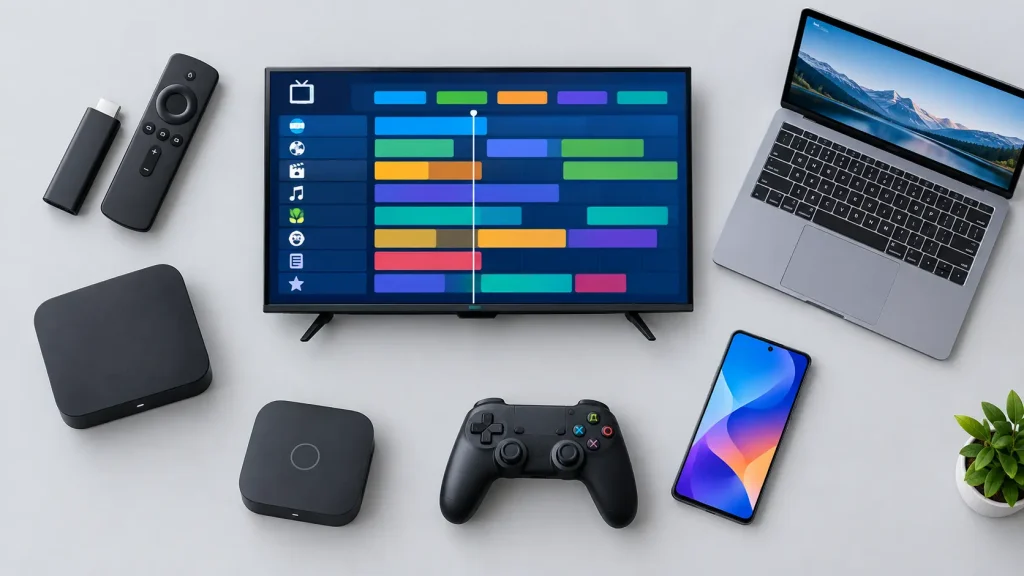
TiviMate is the best IPTV player for Firestick, followed by IPTV Smarters Pro as a free alternative. Kodi also runs on Fire TV. Most Firestick IPTV apps aren’t in the Amazon Appstore, so they’re installed with Amazon’s Downloader app. Note that some newer Fire TV models run Vega OS and can’t install Android apps. For the best Firestick picture, a solid IPTV box or streaming device matters too.
Best IPTV app for Android and Android TV
For Android TV boxes, TiviMate is the top Android IPTV app, with STB-EMU for portal subscriptions and IPTV Smarters Pro as a free option. On Android phones and tablets, IPTV Smarters Pro and VLC are better, because TiviMate is designed for a TV remote rather than touchscreens.
Best IPTV player for Google TV
Google TV devices, including Chromecast with Google TV and the Google TV Streamer, run Android TV apps, so TiviMate, IPTV Smarters Pro, STB-EMU, Kodi and VLC all work. TiviMate is the best Google TV IPTV app for daily use.
Best IPTV app for iPhone, iPad and Apple TV
IPTVX is the best IPTV app for Apple TV, iPhone and iPad, especially if you use several Apple devices. iPlayTV is a great one-time-purchase alternative for Apple TV, and VLC is a free option for quick testing on iOS.
Best IPTV player for Mac
On a Mac or MacBook (including MacBook Air), IPTVX runs natively on Apple Silicon, while VLC and Kodi are free options that work on macOS.
Best IPTV player for Windows PC
MyIPTV Player is the best free IPTV player for Windows 10 and Windows 11, thanks to its Microsoft Store availability, EPG and Xtream support. VLC and Kodi are excellent free alternatives on PC, and the developer of IPTV Smarters Pro also offers a Windows version.
- Windows 10 and 11: MyIPTV Player from the Microsoft Store is the easiest choice, with VLC or Kodi as backups.
- Older PCs (Windows 7 and 8): Microsoft no longer supports these versions, so stick to desktop players such as VLC and Kodi, and consider upgrading for security.
- Quick testing: open your M3U link in VLC (Media → Open Network Stream) to check a playlist works before setting up a full IPTV app.
Best IPTV player for Linux
Hypnotix is the best IPTV player for Linux, especially on Linux Mint and Ubuntu. VLC and Kodi are also available on most Linux distributions if you prefer a general-purpose player.
Best IPTV app for Samsung and LG smart TVs
Smart IPTV installs directly on Samsung Tizen and LG webOS TVs. If your TV is older or the app isn’t available in your region, plug in a Fire TV Stick or Google TV device and use TiviMate instead.
Best IPTV app for Roku
Roku doesn’t support full-featured third-party IPTV players like TiviMate or Kodi, so playlist-based IPTV on Roku is limited. Our guide to IPTV on Roku explains the workarounds. Many people simply add a Fire TV or Google TV device instead.
Best IPTV app for Xbox
Kodi is available for Xbox through the Microsoft Store, which makes it the easiest way to watch IPTV on an Xbox One or Xbox Series console. See our guide to watching IPTV on Xbox.
Best IPTV Apps for Movies and TV Shows
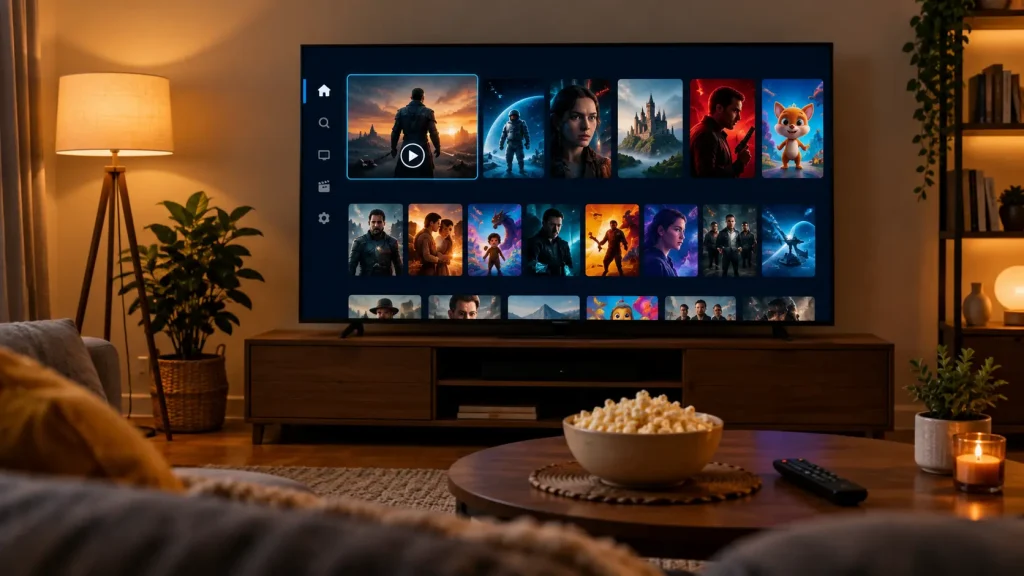
If you mostly watch on-demand films and series rather than live channels, look for an IPTV app with a strong VOD library view, with posters, descriptions, resume playback and separate Movies and Series sections:
- IPTVX: the most polished movie and series browsing on Apple devices, with HDR and Dolby Vision support, Plex and SMB sources, and offline viewing on iOS.
- TiviMate: dedicated movies and shows sections alongside live TV on Android TV and Firestick.
- IPTV Smarters Pro: separate Live TV, Movies and Series sections with search across all of them, free on most platforms.
- Kodi: the best choice if you also want to organise your own film and TV library alongside IPTV.
Want free movies and shows without a subscription? Legal ad-supported apps such as Tubi and Pluto TV, covered in the next section, include large on-demand libraries. To learn how on-demand content works, see our guide to what VOD is.
Free Live TV Apps (No Playlist Needed)
Don’t have an IPTV subscription yet? These free, legal streaming apps include their own live channels, so there’s no playlist to load:
- Pluto TV: “a completely free streaming service” with hundreds of live channels and thousands of on-demand titles, available on smart TVs, Fire TV, Roku, Apple TV, Chromecast, consoles and web browsers.
- Tubi: free movies and shows plus a Live TV section, with “No subscription. Free forever.” It runs on iOS, Android, Roku and Fire TV.
- Sling Freestream: Sling’s free tier, with 600+ free live TV channels and free DVR.
These are the easiest way to watch free IPTV legally on almost any device, including Roku and Samsung TVs, where third-party IPTV players are limited.
Free vs. Paid IPTV Players
Is the IPTV player free? Many are. Here’s how the two groups compare:
- Free IPTV players: VLC, Kodi, IPTV Smarters Pro, MyIPTV Player and Hypnotix cost nothing. TiviMate and IPTVX also have free tiers with limits.
- Paid IPTV players: TiviMate Premium, IPTVX Full, iPlayTV ($5.99) and Smart IPTV activation unlock better guides, recording, multiple playlists and smoother interfaces.
A practical approach: start with a free player, and pay for a premium one only if you watch IPTV daily and want features like recording or multiview.
How to Choose the Best IPTV Player
- Start with your device. Pick from the players that actually run on it (see the device section above).
- Match your login type. Check whether your provider gives you M3U, Xtream Codes or a MAG portal, and choose a player that supports it.
- Check the TV guide. If you watch live TV, a good EPG matters more than anything else.
- Decide on extras. Catch-up, recording, multiview and parental controls vary between players and between free and paid tiers.
- Download from official sources only. Use the App Store, Google Play, the Microsoft Store or the developer’s own site.
Stay Safe: Avoid Modded Players and “Loaded” Apps
Search results are full of “premium unlocked” APKs and apps that claim to come with free channels. Modified APKs can carry malware and stop working when developers update their licence checks. An app that includes thousands of premium channels is almost always streaming them without permission. Stick to official versions, pair them with a licensed provider, and read our guide to whether IPTV is legal if you’re unsure.
Frequently Asked Questions About IPTV Players
-
Is the IPTV player free?
Many IPTV players are free, including VLC, Kodi, IPTV Smarters Pro, MyIPTV Player and Hypnotix. Others, such as TiviMate and IPTVX, have free versions with paid upgrades. Either way, the player doesn’t include channels, so you still need a playlist or subscription from a provider.
-
What is the best IPTV player for my TV?
On Android TV, Google TV or a Fire TV Stick, TiviMate is the best IPTV player. On Apple TV, choose IPTVX or iPlayTV. On Samsung or LG smart TVs, Smart IPTV installs directly, or you can add a streaming stick and use TiviMate.
-
What does IPTV player mean?
An IPTV player is a media app that plays live TV channels and on-demand video from an IPTV playlist or login supplied by a provider. It organises channels, the TV guide and VOD into a TV-style interface, but it doesn’t provide the content itself. Learn more about how IPTV works.
-
What is the best app to watch IPTV?
The best app to watch IPTV depends on your device: TiviMate for Android TV and Firestick, IPTVX for Apple devices, MyIPTV Player for Windows, and Hypnotix for Linux. If your provider is licensed and has its own official app, that’s often the simplest choice of all. Compare providers in our IPTV service guide.
Final Thoughts: Choosing Your IPTV Player
The best IPTV player is the one that fits your device and the way you watch. TiviMate leads on Android TV and Firestick, IPTVX on Apple devices, and VLC, Kodi, MyIPTV Player and Hypnotix cover every budget for free. Download from official sources, pair your player with a licensed provider, and upgrade to a premium player only when you need its extra features. For more on the apps covered here, see our in-depth guides to TiviMate and IPTV Smarters Pro, and check IPTV legality before you subscribe to anything new.